

The details, side by side
Compare
Pick up to four products and line up the specs that matter.
For my connection / job
Buying tool / Routers / wired networks
The fast port is only the start.
Follow a connection through the router. See which socket is already spoken for, and where the speed limit moves.
Your wired pathPort roles matter
What needs to stay fast?
Choose a job. We’ll reserve the sockets it needs.
Choose a connection to inspect its limiting link.
Ethernet socket map5 sockets
Specification diagram. Order and spacing do not show the physical back panel.
Select a socket to learn its role. Highlighted sockets are reserved for the chosen connection.
Allocation rule: reserve the fastest WAN-capable RJ45 socket for internet, then assign the fastest remaining LAN sockets. Shared ports serve one role at a time.
Follow the connectionSpecs, not a speed test
TP-Link Archer BE550
- InternetWAN input
- TP-Link Archer BE550Wired path
- Your PCLAN output
Choose a wired job
Count the sockets by role.
Reserve the internet socket. A local device needs a LAN socket of its own.
The fastest-port badge hides how many fast sockets remain after the internet connection is plugged in.
We may earn a commission from purchases.
View this product’s full specifications →Source specs & exact version
TP-Link Archer BE550 BE9300 Tri-Band Wi-Fi 7 Router
Archer BE550 single router, hardware revision unspecified
Recorded model: Archer BE550
Specifications checked 2026-11-02.
- Wi-Fi
- Tri-band 2.4, 5 and 6 GHz; 5 and 6 GHz are Wi-Fi 7 (802.11be). 2.4 GHz is Wi-Fi 6 (802.11ax) on hardware V1 and Wi-Fi 7 on V2
- Wi-Fi 7 features
- Multi-Link Operation, 320 MHz channels, 4K-QAM, Multi-RUs
- Ethernet
- 1x 2.5 Gbps WAN, 4x 2.5 Gbps LAN
- Manufacturer specifications for TP-Link Archer BE550 BE9300 Tri-Band Wi-Fi 7 Router ↗
- Recorded source 2 for TP-Link Archer BE550 BE9300 Tri-Band Wi-Fi 7 Router ↗
- Recorded source 3 for TP-Link Archer BE550 BE9300 Tri-Band Wi-Fi 7 Router ↗
- Recorded source 4 for TP-Link Archer BE550 BE9300 Tri-Band Wi-Fi 7 Router ↗
- Recorded source 5 for TP-Link Archer BE550 BE9300 Tri-Band Wi-Fi 7 Router ↗
- Recorded source 6 for TP-Link Archer BE550 BE9300 Tri-Band Wi-Fi 7 Router ↗
- Recorded source 7 for TP-Link Archer BE550 BE9300 Tri-Band Wi-Fi 7 Router ↗
- Recorded source 8 for TP-Link Archer BE550 BE9300 Tri-Band Wi-Fi 7 Router ↗
Photo credit: manufacturer image source ↗
Specifications explain hardware limits. No performance tests are claimed.
Add a second product to see differences.
Maker specifications describe the recorded model and package. Missing measurements are labeled “Not recorded”.
| Specification | 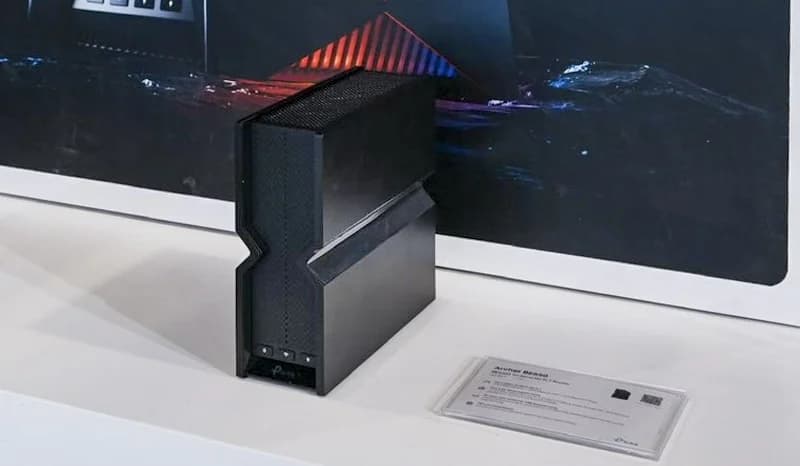 |
|---|---|
| Wi-Fi | |
| Wi-Fi standard | Wi-Fi 7 |
| Speed class | BE9300Sum of theoretical band rates; not a measured connection speed. |
| Bands | 3 bands |
| Radio bands / 6 GHz | Tri-band 2.4, 5 and 6 GHz; 5 and 6 GHz are Wi-Fi 7 (802.11be). 2.4 GHz is Wi-Fi 6 (802.11ax) on hardware V1 and Wi-Fi 7 on V2 |
| Wired connections | |
| Fastest wired port | 2.5 Gbps |
| LAN ports | 4 portsRecorded port count; a shared WAN/LAN port used for the gateway uplink is not available for a LAN device. |
| Wired port counts & rates | 1x 2.5 Gbps WAN, 4x 2.5 Gbps LAN |
| LAN ports after gateway uplink | 4 portsPer gateway unit, assuming one Ethernet port connects to the modem/ONT. A wired satellite uplink also uses one port. |
| Home fit | |
| Selected-pack coverage (maker) | Not recorded |
| Internet plan (maker) | Not recorded |
| Per-unit coverage (maker) | Per-unit coverage not recordedNo reviewed claim for this quantity. Individual coverage is never multiplied. |
| Best for | Multi-gig internet, Home office, Streaming |
| Support | |
| Software support (maker) | Not recorded |
| Sources | Specifications checked November 2, 2026 View 8 sources
|
| Retailer offer | Check price on Amazon |
Choose another product · 14 in the catalog
Same-category models are suggested first. Choose All categories to mix categories.
Wi-Fi Routers
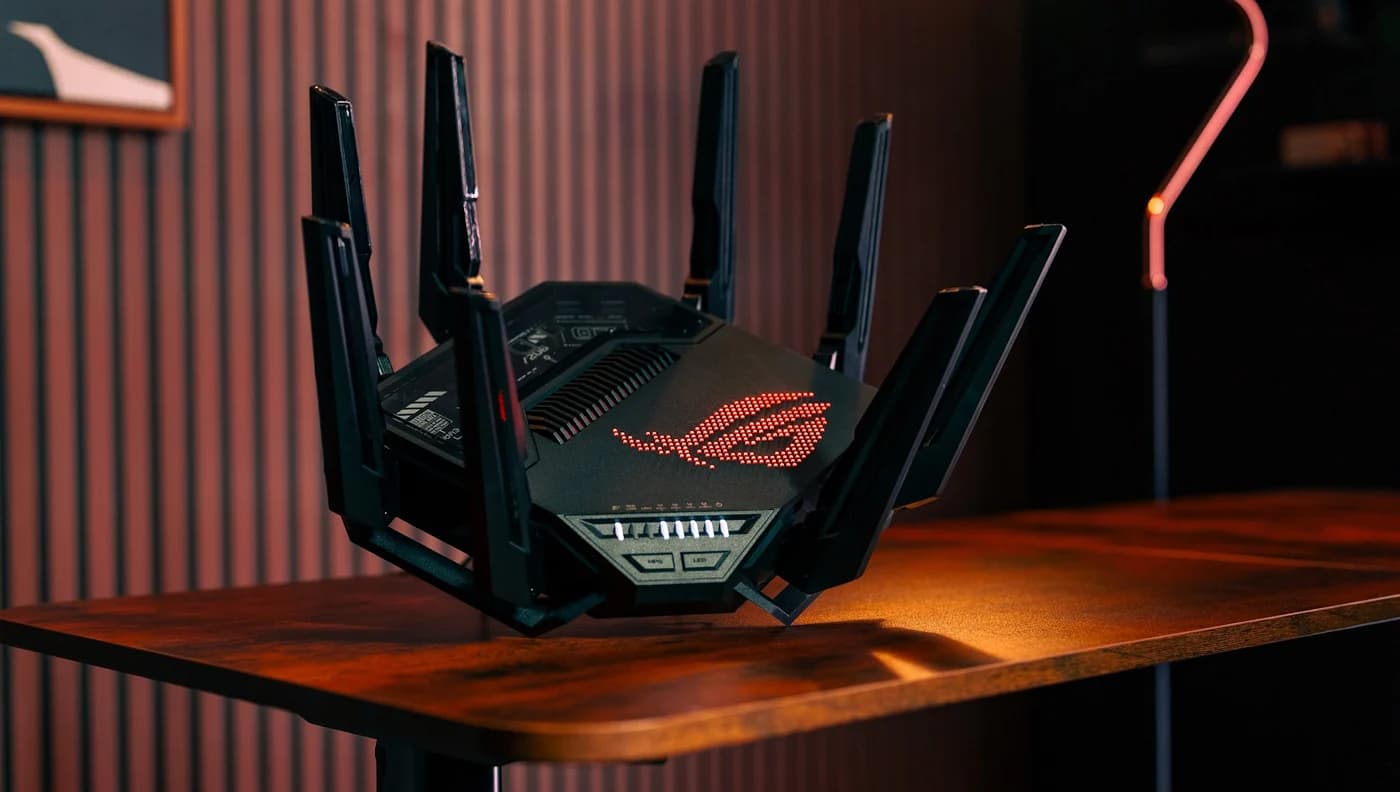
- ASUS GT-BE98 ProASUS
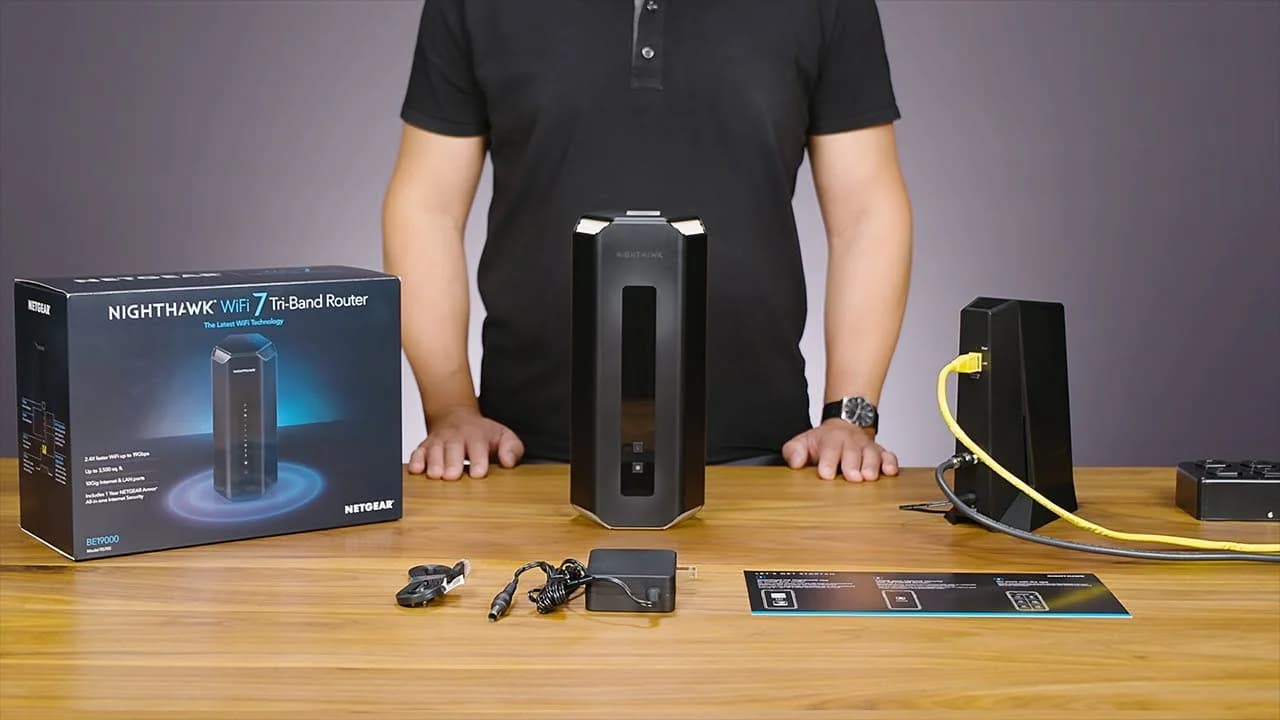
- Netgear RS700SNetgear
- TP-Link Archer BE550TP-Link