

An enterprise 5G mobile hotspot router from Inseego with Wi-Fi 7, FIPS 140-3 certification, TAA compliance.
- Wi-Fi 7
- 2 bands
- 1 Gbps port
At a glance
The numbers that matter
Wi-Fi standard
Wi-Fi 7
Fastest wired port
1 Gbps
Link rate of its quickest Ethernet or SFP socket, in gigabits per second.
Bands
2 bands
2.4, 5 GHz
Connections · Battery and runtime · Works with
Connections
Radio bands: 2.4, 5 GHz
- Ethernet
- 1x gigabit RJ45 port
Battery and runtime
24W (12V, 2A) AC adapter, USB-C power, PD 3.0 charging, USB-C cable included
Works with
- Certified for T-Mobile, AT&T and Verizon US networks; a carrier data plan is required
- TS-9 external antenna ports for Inseego-compatible external antennas in weak signal locations
- Managed through Inseego Connect or the Inseego Mobile app on supported platforms
Is it for you?
An enterprise 5G mobile hotspot router from Inseego with Wi-Fi 7, FIPS 140-3 certification, TAA compliance, a 5050 mAh battery and cloud management through Inseego Connect, built for business and government remote connectivity rather than consumer home use.
Choose it if these matter
- FIPS 140-3 validation and TAA compliance, rare among mobile hotspots, open the door to government and regulated-industry deployments
- Carrier-certified for all three major US networks (T-Mobile, AT&T, Verizon), including 5G mmWave on Verizon, so one hardware SKU covers multi-carrier fleets
- Wi-Fi 7 with simultaneous dual-band, a gigabit Ethernet port and up to 50 connected devices, plus OpenVPN and multi-SSID isolation for enterprise policy control
- Inseego Connect and the Inseego Mobile app add remote, zero-touch fleet management with GPS, data usage monitoring and scheduled firmware updates across thousands of units
Skip it if these rule it out
- Inseego sells it only through business channels and links no Amazon listing from its own site, so buying means searching for the exact model or talking to a reseller
- 5G throughput of 5-10 Gbps is the maker's theoretical claim; real-world speeds depend on carrier, plan, signal and band support per SKU
- Battery life is up to 8 hours, so continuous 24/7 operation needs the AC adapter with battery preservation mode
- Priced and positioned for enterprises rather than consumers, with no bundled data plan; a plan is required and sold separately
Good for: Home office · Wired backhaul
Which version should you buy?
Selected package: MiFi PRO M4 multi-carrier (US).
Selected package
Multi-carrier version (US)
This pageModel: MiFi PRO M4
- What differs
- Certified for T-Mobile, AT&T and Verizon, with 5G mmWave support on Verizon; the multi-carrier SKU Inseego announced for channel partners.
- Best for
- Fleets and organizations running one hardware SKU across multiple US carriers.
Related models and generations
Carrier-specific SKUs Model: MiFi PRO M4 (carrier SKU)
Bands, band combinations and certifications vary by SKU; some carrier versions drop mmWave support.
Buyers locked to a single carrier plan; check the carrier's certified device list.
Watch out
- The MiFi PRO M4 is not the older MiFi X PRO or MiFi 8000: different generations and feature sets.
- Bands and certifications vary by SKU; confirm the exact carrier certifications of the unit you are buying.
- A data plan is required and sold separately; the router is not a standalone internet source.
The fast port is only the start.
Your wired pathPort roles matter
What needs to stay fast?
Choose a job. We’ll reserve the sockets it needs.
Choose a connection to inspect its limiting link.
Follow the connectionSpecs, not a speed test
Inseego MiFi PRO M4
- InternetWAN input
- Inseego MiFi PRO M4Wired path
- Your PCLAN output
Choose a wired job
Count the sockets by role.
Reserve the internet socket. A local device needs a LAN socket of its own.
The fastest-port badge hides how many fast sockets remain after the internet connection is plugged in.
We may earn a commission from purchases.
Source specs & exact version
Inseego MiFi PRO M4 5G Mobile Hotspot Router
MiFi PRO M4 multi-carrier (US)
Recorded model: MiFi PRO M4
Specifications checked 2026-11-09.
- Wi-Fi
- Wi-Fi 7 (802.11 a/b/g/n/ac/ax/be), 2x2 SU-MIMO on 2.4 GHz and 5 GHz, real simultaneous dual-band, multi-SSID and guest Wi-Fi, up to 50 connected devices, AES encryption
- Ethernet
- 1x gigabit RJ45 port
- Ports
- 1x USB-C (charging and tethering), 1x gigabit RJ45 Ethernet, 2x TS-9 external antenna ports
Photo credit: manufacturer image source ↗
Specifications explain hardware limits. No performance tests are claimed.
Compare with similar models
| Specification | 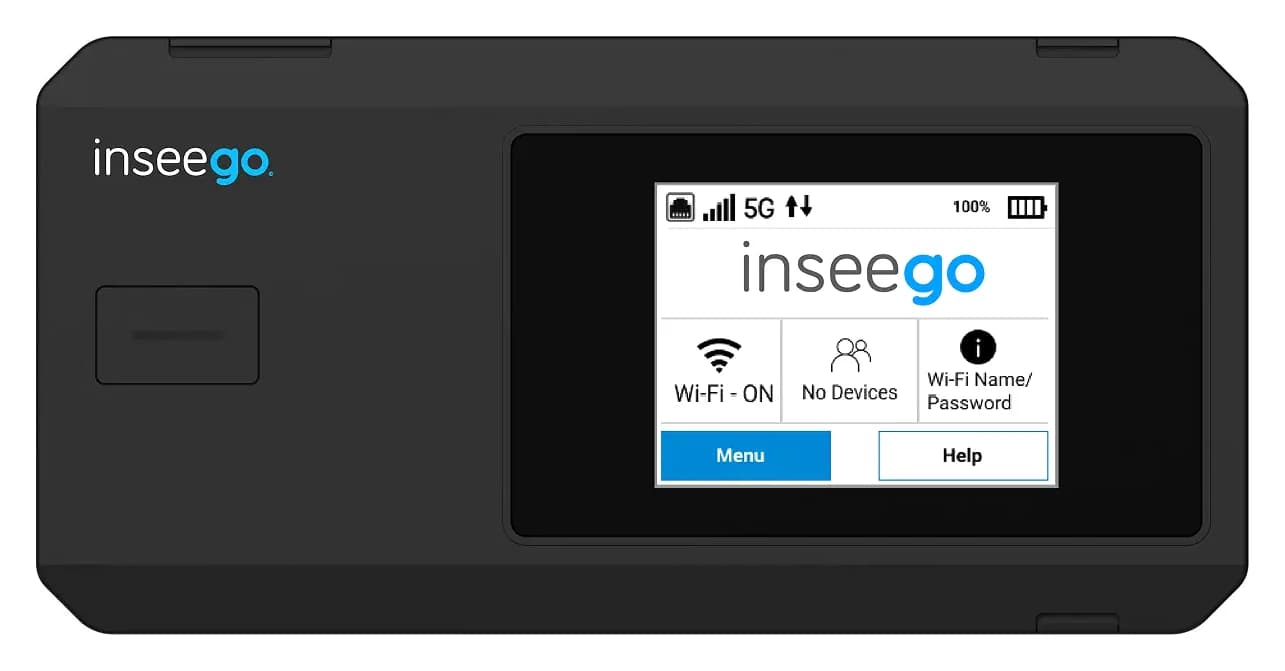 This oneMiFi PRO M4 5G Mobile Hotspot Router | 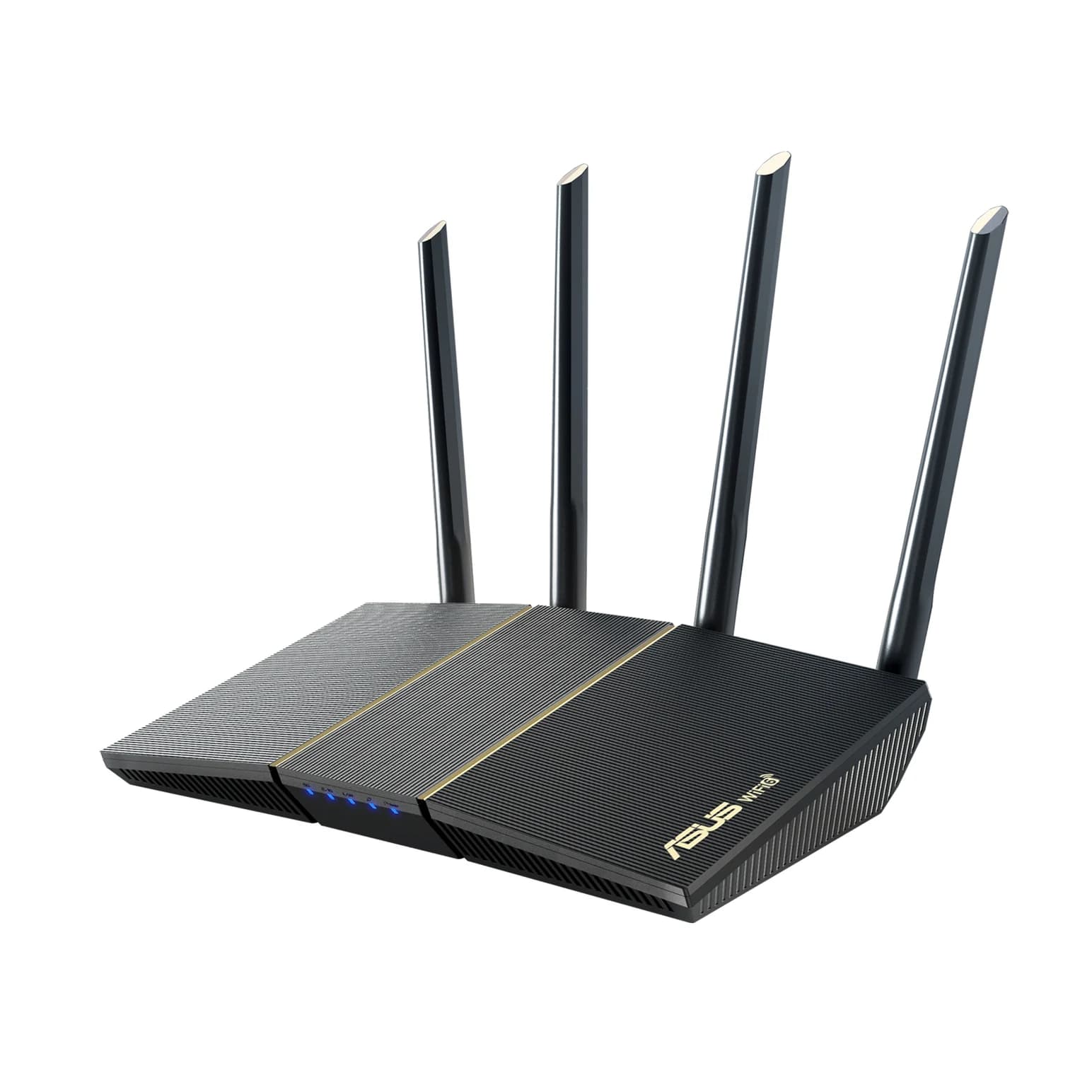 RT-AX57 AX3000 Wi-Fi 6 Router | 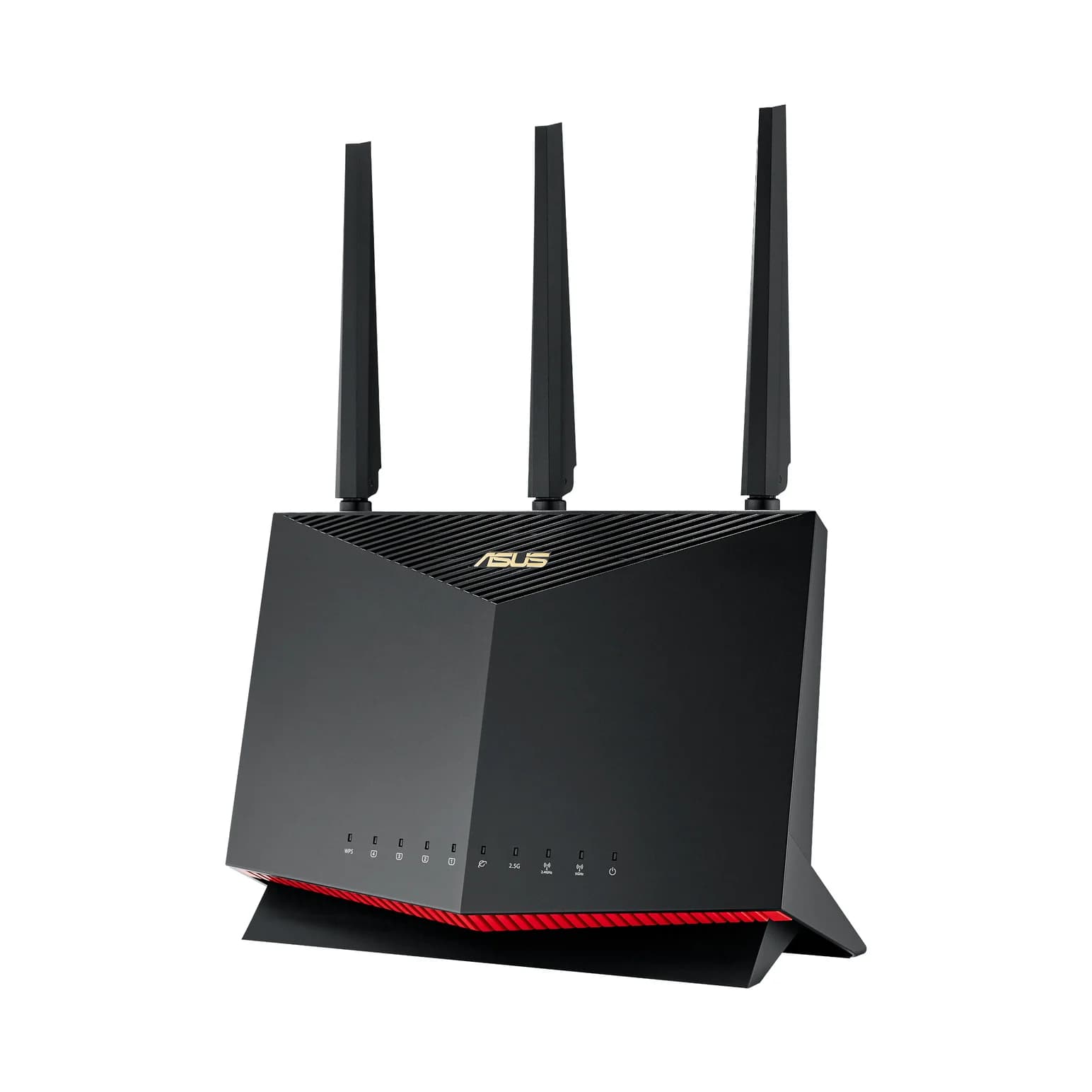 RT-AX86U Pro AX5700 Wi-Fi 6 Gaming Router |
|---|---|---|---|
| Wi-Fi standard | Wi-Fi 7 | Wi-Fi 6 | Wi-Fi 6 |
| Speed class | Not recorded | AX3000Sum of theoretical band rates; not a measured connection speed. | AX5700Sum of theoretical band rates; not a measured connection speed. |
| Fastest wired port | 1 Gbps | 1 Gbps | 2.5 Gbps |
| LAN ports | Not recorded | 4 portsRecorded port count; a shared WAN/LAN port used for the gateway uplink is not available for a LAN device. | 4 portsRecorded port count; a shared WAN/LAN port used for the gateway uplink is not available for a LAN device. |
| Radio bands / 6 GHz | Wi-Fi 7 (802.11 a/b/g/n/ac/ax/be), 2x2 SU-MIMO on 2.4 GHz and 5 GHz, real simultaneous dual-band, multi-SSID and guest Wi-Fi, up to 50 connected devices, AES encryption | Wi-Fi 6 (802.11ax) dual-band 2.4 and 5 GHz | Wi-Fi 6 (802.11ax) dual-band 2.4 and 5 GHz |
| Wired port counts & rates | 1x gigabit RJ45 port | 1x Gigabit WAN, 4x Gigabit LAN | 1x Gigabit WAN, 4x Gigabit LAN (2 port-aggregation capable), 1x configurable 2.5G/1G WAN-LAN multi-gig port; USB 3.2 Gen1 x1 and USB 2.0 x1 |
| Open | View | View |
Full specifications (20)
- Cellular technology
- 5G sub-6 and 5G mmW (Verizon only) with 4G LTE fallback; 3GPP Release 17, NSA, SA and DSS support, 5G UL-CA
- 5G sub-6 bands
- n2, n5, n7, n12, n14, n25, n26, n28, n29, n30, n38, n41, n48, n66, n70, n71, n77, n78
- 5G mmWave bands
- n257, n260, n261 (Verizon only)
- 4G LTE bands
- B2, B4, B5, B7, B12, B13, B14, B25, B26, B29, B30, B41, B48, B66, B71
- Carrier certification
- Certified for T-Mobile, AT&T and Verizon (US networks)
- Wi-Fi
- Wi-Fi 7 (802.11 a/b/g/n/ac/ax/be), 2x2 SU-MIMO on 2.4 GHz and 5 GHz, real simultaneous dual-band, multi-SSID and guest Wi-Fi, up to 50 connected devices, AES encryption
- Throughput (maker claim)
- 5-10 Gbps 5G throughput, per Inseego's product page
- Ethernet
- 1x gigabit RJ45 port
- Chipset
- Qualcomm Dragonwing MBB Gen 3
- SIM
- 1x 4FF nano SIM card slot
- Display
- 2.4-inch TFT color touchscreen with power and status indicator LED
- Battery
- 5050 mAh Li-Ion rechargeable, up to 8 hours of continuous use; battery preservation mode for 24/7 AC operation, operates on AC with battery optional
- Power
- 24W (12V, 2A) AC adapter, USB-C power, PD 3.0 charging, USB-C cable included
- Ports
- 1x USB-C (charging and tethering), 1x gigabit RJ45 Ethernet, 2x TS-9 external antenna ports
- Size and weight
- 0.8 in H x 5.9 in W x 2.91 in D (20.4 x 150 x 74 mm), 9.20 oz (261.5 g)
- Operating temperature
- 14F to 122F (-10C to 50C)
- Security
- FIPS 140-3 certified, TAA compliant, multi-SSID isolation, OpenVPN support, VPN pass-through, NAT firewall, MAC address filtering, port forwarding and filtering, DMZ, manual DNS, static IP, hardened web administration portal with password hash, session timeout, lockout and anti-CSRF, third-party penetration testing
- Compliance and certifications
- FCC/ISED/GCF/PTCRB, UL 62368-1, CAN/CSA C22.2 No. 62368-1, UL 2710 (ECOLOGO), FIPS 140-3, TAA compliance; designed and developed in the USA
- Cloud management
- Inseego Connect remote management, Inseego Mobile app, Inseego Connect API, firmware management and scheduling, zero-touch deployment, remote troubleshooting and speed test, GPS with map location, data usage monitoring, notifications and alerts
- Data plan requirement
- A data plan is required; coverage subject to network availability. Bands, band combinations and certifications vary by SKU
Downloads & support
Setup: No drivers needed for Wi-Fi clients. For management features, install the Inseego Mobile app or use the Inseego Connect cloud platform; firmware updates are delivered and schedulable through Inseego Connect.
- Inseego support and documentationSupport
- Inseego Mobile app and Inseego Connect cloud managementSoftware
Links go to the manufacturer’s official pages, so you always get the latest, genuine files.
Sources: Inseego specifications · inseego.com. Photos: Inseego. Specifications checked November 9, 2026. Spotted an error? Tell us.