

Works with
- Windows 11/10/8.1/8/7/XP, Mac OS 10.9-10.13 and Linux PCs with a USB 3.0 port
- Works with any 802.11a/b/g/n/ac router; beamforming needs a beamforming-capable router
An AC1900 dual-band Wi-Fi USB 3.0 adapter with four high-gain antennas, beamforming and a desktop USB cradle.
- 5 Gbps port
At a glance
The numbers that matter
Wi-Fi standard
Wi-Fi 5 (802.11ac)
Fastest wired port
5 Gbps
Link rate of its quickest Ethernet or SFP socket, in gigabits per second.
Size
W 4.0 × D 1.4 × H 0.6 in · 101 × 37 × 14 mm
In the box
Archer T9UH adapter, USB 3.0 cradle with 3 ft cable, resource CD, quick installation guide
Is it for you?
An AC1900 dual-band Wi-Fi USB 3.0 adapter with four high-gain antennas, beamforming and a desktop USB cradle, aimed at PCs that need stronger Wi-Fi reception than a built-in antenna can manage.
Choose it if these matter
- Four external high-gain antennas and beamforming give it among the best reception of any USB adapter on paper, for rooms far from the router
- USB 3.0 connection avoids the USB 2.0 bottleneck that limits many older adapters
- Includes a USB 3.0 cradle with a 3 ft cable, so a desktop can place the adapter where reception is best
- Broad OS support including Linux, which many adapters lack
Skip it if these rule it out
- Wi-Fi 5 only: no 6 GHz band or Wi-Fi 6 features like OFDMA
- AC1900 is the sum of both bands' theoretical rates; real throughput is much lower
- Large antenna body can block adjacent USB ports, and the cradle is an extra part to place
- TP-Link's product page links an Amazon search rather than a direct listing, so the exact model has to be searched when buying
Which version should you buy?
Selected package: Archer T9UH.
Selected package
TP-Link Archer T9UH AC1900 High Gain Wireless Dual Band USB Adapter
This pageModel: Archer T9UH
Compare with similar models
| Specification | 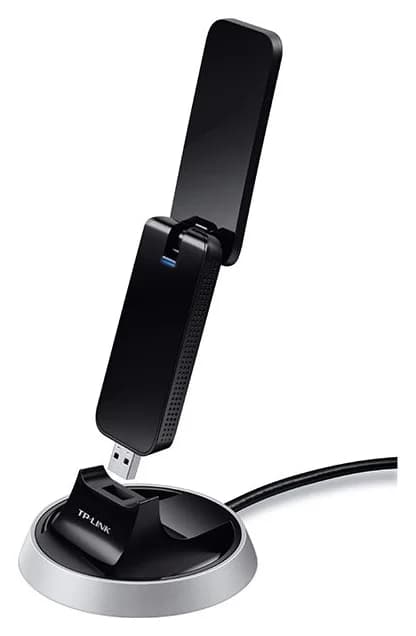 This oneArcher T9UH AC1900 High Gain Wireless USB Adapter | 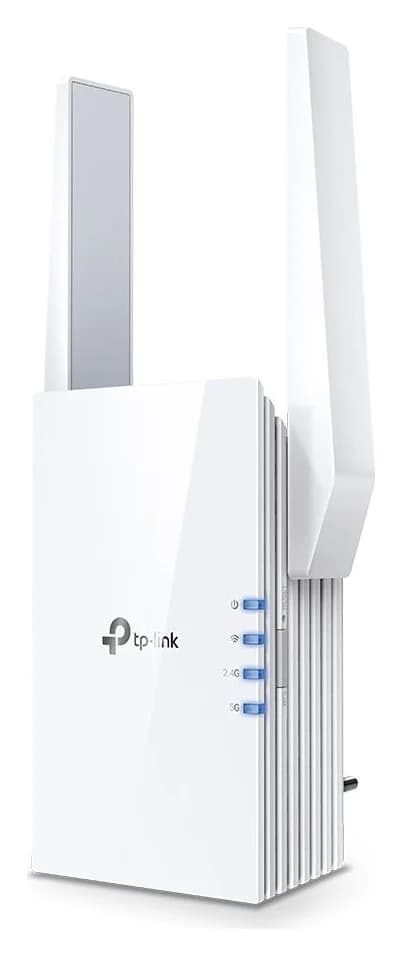 RE605X AX1800 Wi-Fi Range Extender | 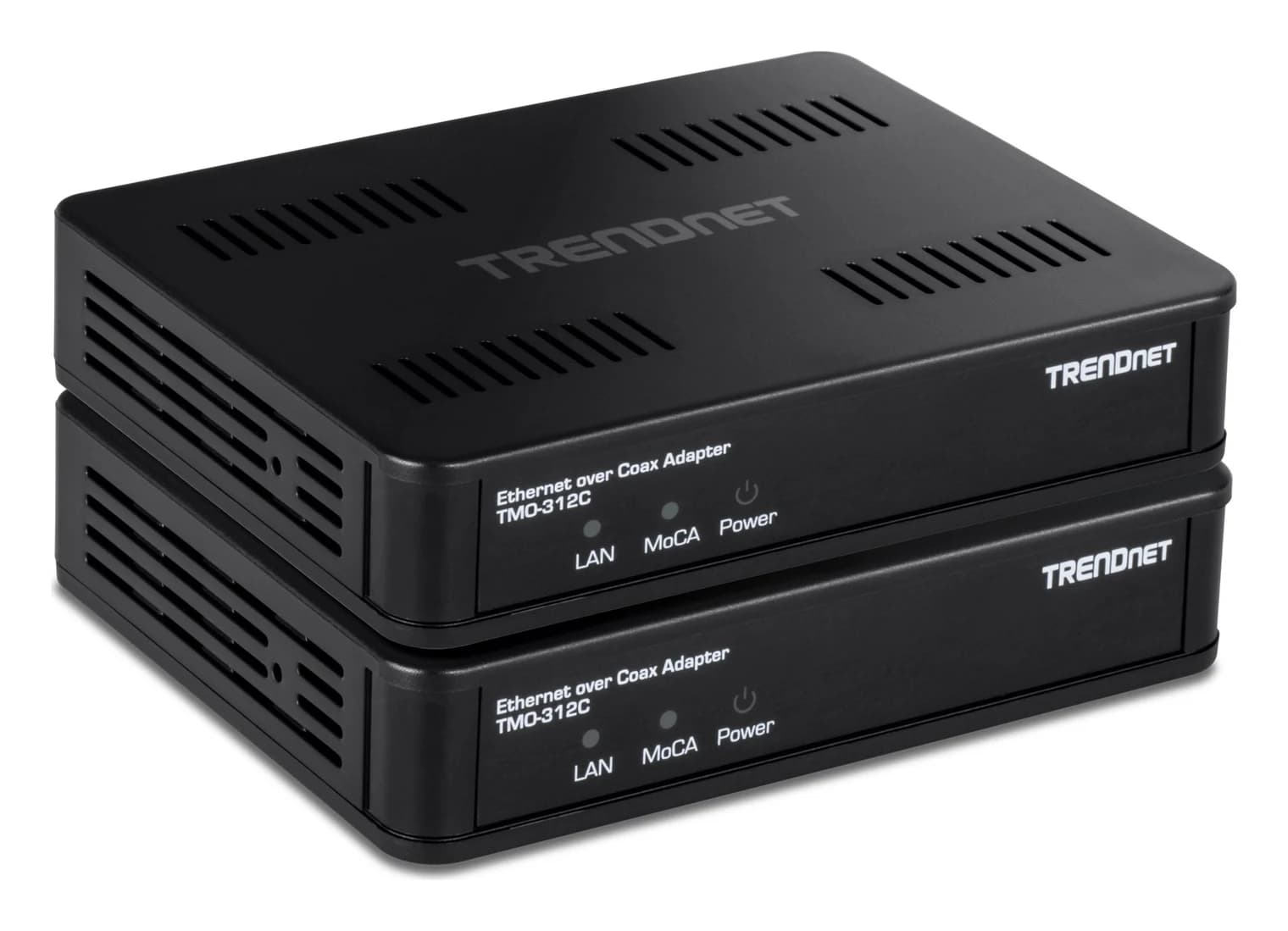 Ethernet over Coax 2.5Gbps Adapter |
|---|---|---|---|
| Works with | Windows 11/10/8.1/8/7/XP, Mac OS 10.9-10.13 and Linux PCs with a USB 3.0 port, Works with any 802.11a/b/g/n/ac router; beamforming needs a beamforming-capable router | Any Wi-Fi router or wireless access point (standard Wi-Fi bridging); OneMesh smart roaming requires a TP-Link OneMesh router, TP-Link Tether app on Android and iOS for setup and management | Existing coaxial cabling with a MoCA-compliant network; Verizon FiOS and Spectrum are listed as compatible, Any device with an Ethernet port; not for DirecTV, DISH, satellite TV or AT&T U-verse coax |
| Wi-Fi standard | Wi-Fi 5 (802.11ac) | Wi-Fi 6 | Not recorded |
| Fastest wired port | 5 Gbps | 1 Gbps | 1 Gbps |
| Best for | Gaming, Streaming, Budget | Apartments, Budget, Streaming, Gaming | Budget, Streaming, Wired backhaul, Gaming, Large homes |
| Open | View | View |
Full specifications (11)
- Wi-Fi class
- AC1900: up to 1300 Mbps on 5 GHz plus 600 Mbps on 2.4 GHz (maker's theoretical rates)
- Interface
- USB 3.0
- Wireless standards
- IEEE 802.11ac/a/n/g/b, dual band 2.4 GHz and 5 GHz
- Antennas
- 4x omni-directional external high-gain antennas
- Beamforming
- Yes, for stronger connections with beamforming-capable routers
- Buttons
- WPS button
- Dimensions (W x D x H)
- 3.96 x 1.44 x 0.56 in (100.53 x 36.6 x 14.3 mm)
- Wireless security
- 64/128-bit WEP, WPA-PSK/WPA2-PSK, 802.1x
- In the box
- Archer T9UH adapter, USB 3.0 cradle with 3 ft cable, resource CD, quick installation guide
- Compatible systems
- Windows 11/10/8.1/8/7/XP (32/64-bit), Mac OS 10.9-10.13, Linux
- Certifications
- FCC, RoHS
Downloads & support
Setup: Driver installation is required on Windows and macOS; Linux support is built into recent kernels. TP-Link provides drivers through its support page.
Links go to the manufacturer’s official pages, so you always get the latest, genuine files.
Sources: TP-Link specifications · tp-link.com. Photos: TP-Link · static.tp-link.com. Specifications checked November 9, 2026. Spotted an error? Tell us.