

Best picks
Best Wi-Fi 7 Mesh Systems in 2026: Picks by Home Size and Wiring
Wi-Fi 7 mesh kits from eero, Netgear Orbi and ASUS ZenWiFi matched to home size and wiring, with ports per unit, backhaul and FCC status checked Nov 1, 2026.
By thisPING EditorialUpdated November 2, 202611 min read4 picks
Our picks at a glance
- See on Amazon1
Best mesh system for most homes
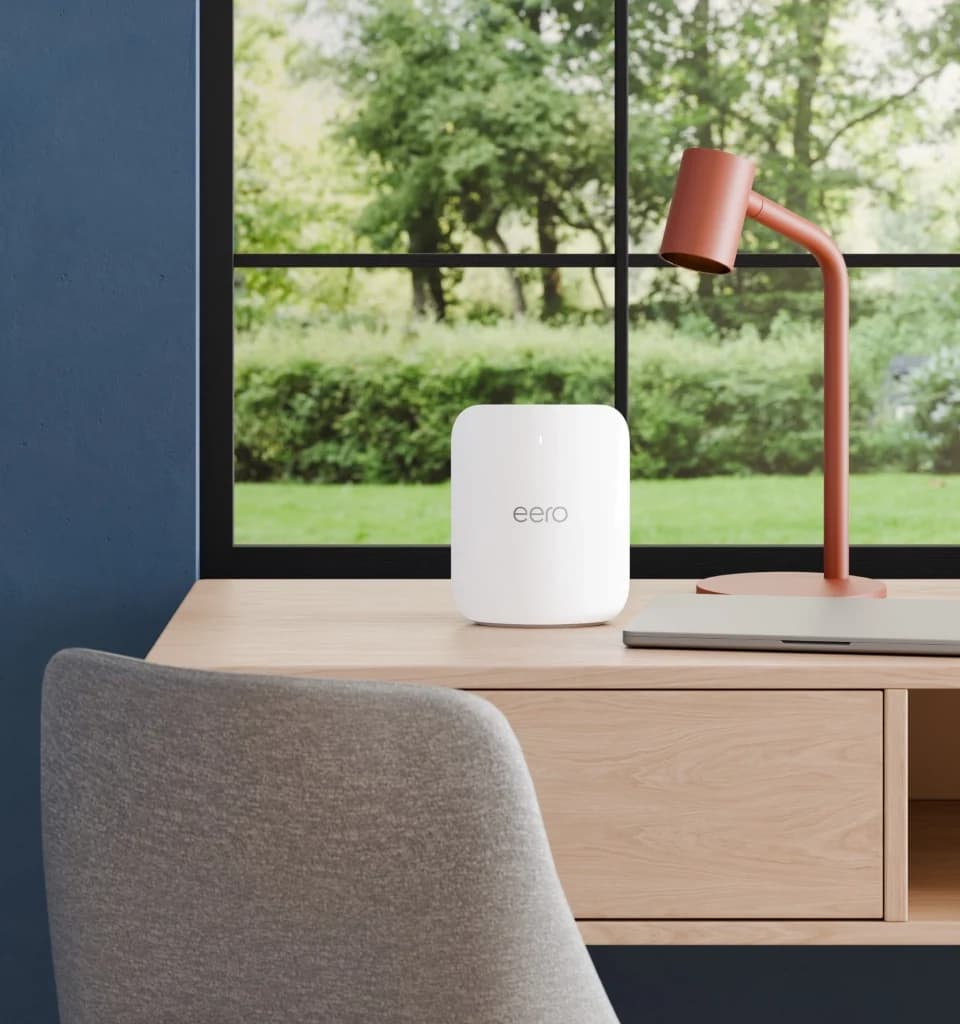
eero Pro 7 Tri-Band Wi-Fi 7 Mesh RouterWi-Fi 7 · BE10800 · 3 bands · 5 Gbps port
- See on Amazon2
Best eero for 10 Gig and wired backhaul
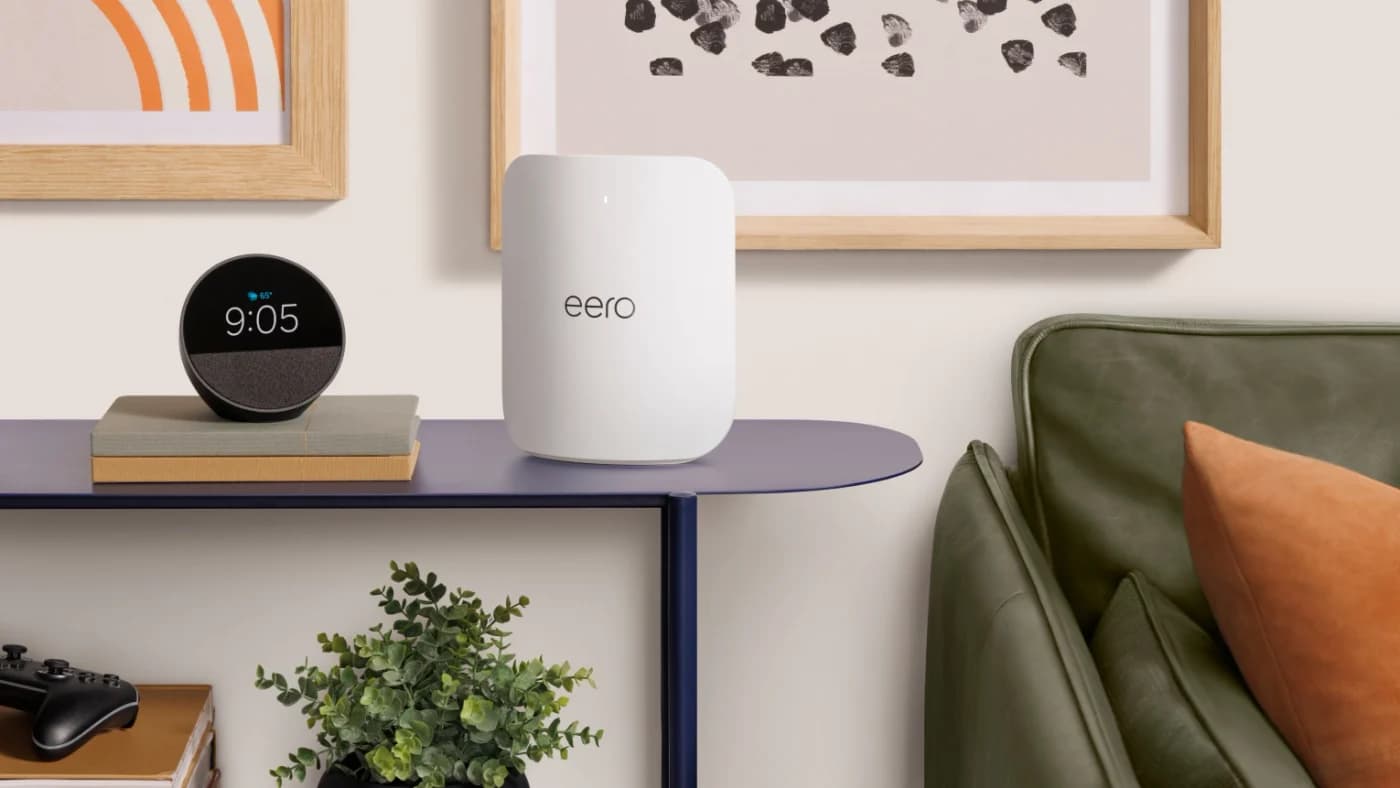
eero Max 7 Tri-Band Wi-Fi 7 Mesh RouterWi-Fi 7 · 3 bands · 10 Gbps port
- See on Amazon3
Best entry Wi-Fi 7 mesh
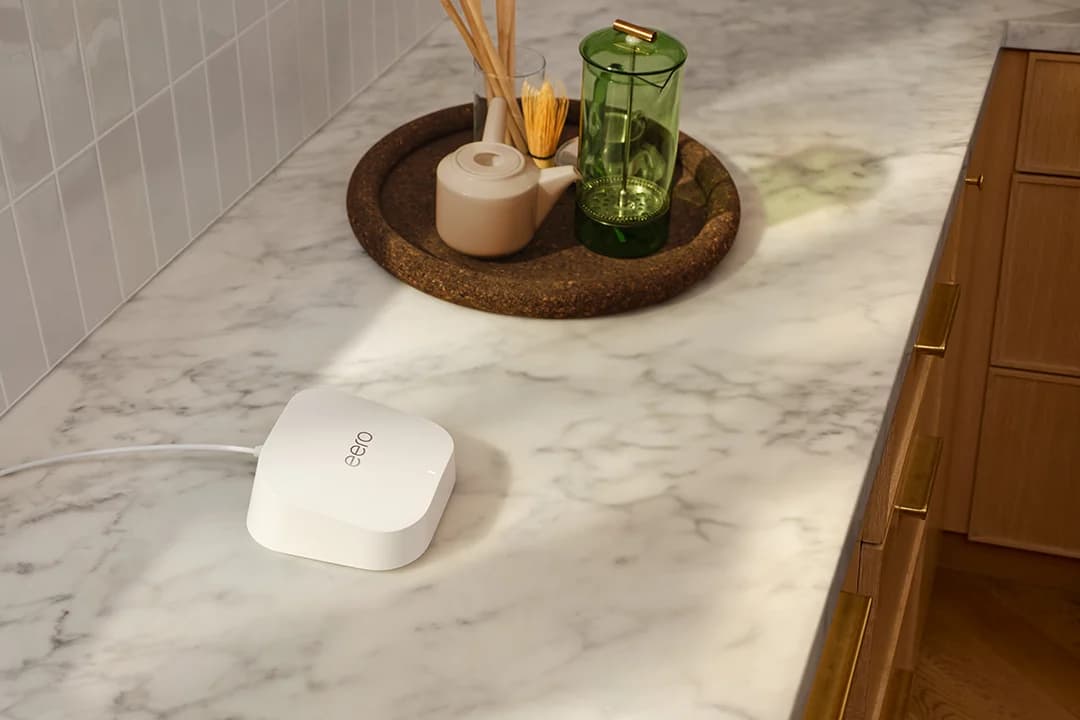
eero 7 Dual-Band Wi-Fi 7 Mesh RouterWi-Fi 7 · BE5000 · 2 bands · 2.5 Gbps port
- See on Amazon4
Alternative
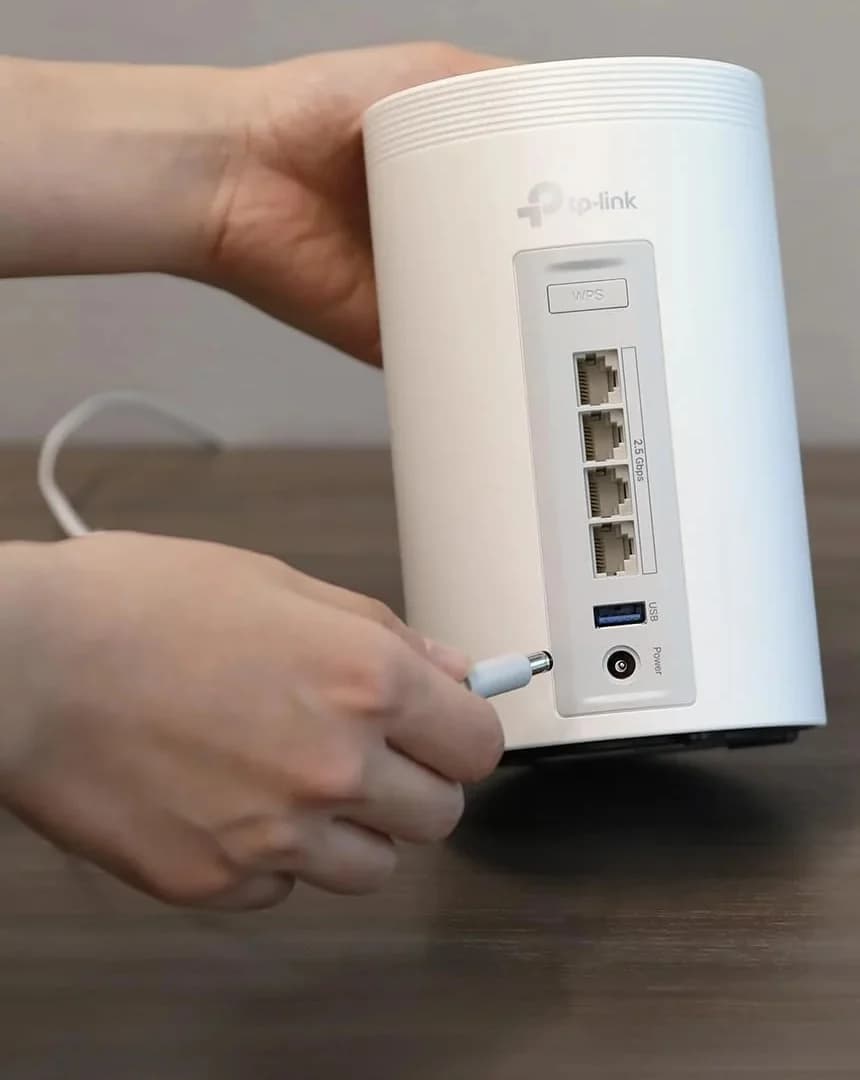
TP-Link Deco BE63 (Deco 7 Pro) BE10000 Tri-Band Wi-Fi 7 Mesh System, 2-packWi-Fi 7 · BE10000 · 3 bands · 2.5 Gbps port
For most homes, the eero Pro 7 (a 2- or 3-pack) is the Wi-Fi 7 mesh system to buy: tri-band with a 6 GHz band, two 5 GbE ports on every unit, a built-in smart home hub, and eero's security-update commitment through at least October 31, 2031. For a big house on a multi-gig plan, the Netgear Orbi 970 adds a dedicated backhaul band and 10 Gbps ports on every unit. Specs, policies and FCC status checked November 1, 2026.
Mesh beats a single router when your home is long, multi-story or full of walls. What decides which kit: how many units you need, how they connect to each other (backhaul), and how many wired ports each unit has.
Quick picks
| Pick | Best for | Bands | Ethernet per unit | Coverage (maker claim) | FCC router status |
|---|---|---|---|---|---|
| eero Pro 7 | Most homes | Tri | 2x 5 GbE | 2,000 sq ft per unit | Approved to Oct 31, 2027 |
| Netgear Orbi 970 (RBE973S) | Big homes, multi-gig | Quad, dedicated backhaul | Router: 10G WAN, 10G + 4x 2.5G LAN; satellite: 10G + 2x 2.5G | 10,000 sq ft per 3-pack | Approved to Oct 1, 2027 |
| eero Max 7 | 10 Gig plans, wired backhaul | Tri | 2x 10 GbE + 2x 2.5 GbE | 2,500 sq ft per unit | Approved to Oct 31, 2027 |
| Netgear Orbi 770 (RBE773) | Large homes on 2.5G | Tri | Router: 2.5G WAN + 3x 2.5G; satellite: 2x 2.5G | 8,000 sq ft per 3-pack | Approved to Oct 1, 2027 |
| eero 7 | Entry Wi-Fi 7 mesh | Dual | 2x 2.5 GbE | 2,000 sq ft per unit | Approved to Oct 31, 2027 |
| ASUS ZenWiFi BT10 | ASUS (AiMesh) homes | Tri | 2x 10G + 1x 1G | Not stated | Approved to Mar 6, 2028 |
| TP-Link Deco BE63 | Alternative, 2.5G everywhere | Tri | 4x 2.5G | 5,800 sq ft per 2-pack | Not on the approval list |
Which kit for your house
Coverage figures are each maker's best case; walls, floors and building materials cut them (eero notes range "may be reduced depending on placement and building materials"). Use them to rank kits, not as a promise.
| Your home | No cable between rooms | Ethernet or coax between floors |
|---|---|---|
| Up to about 4,000 sq ft | eero Pro 7 2-pack (2 x 2,000 sq ft claim) | eero Pro 7 2-pack, wired |
| About 4,000-8,000 sq ft | Orbi 770 3-pack (8,000 claim) or eero Pro 7 3-pack | eero Pro 7 3-pack, or Max 7 units on 10G wiring |
| Up to 10,000 sq ft or a 10 Gig plan | Orbi 970 3-pack (10,000 claim, dedicated backhaul) | Orbi 970 or eero Max 7, wired |
Coax but no Ethernet? A pair of MoCA 2.5 adapters gives a node a wired link over the TV cable: see MoCA vs powerline.
Backhaul, explained
Backhaul is the link between mesh units. Over Wi-Fi, it uses radio capacity your devices also want, so each wireless hop costs speed. There are two ways around that:
Tap a label to explore. You can also hover or use your keyboard.
Gateway eeroModem / ONT → gateway
Connect the gateway eero to the modem / ONT. Choose the layout for the links between the gateway and the other mesh units.
Sources: 1: eero units can connect through Ethernet backhaul or wirelessly., 2: eero documents a gateway connected to the modem/ONT, with additional units through a switch or a daisy chain., 3: Backhaul is the communication between mesh nodes.Wireless backhaulGateway → mesh unit by radio
The mesh units communicate wirelessly. Portless eero Beacon and eero 6 Extender units must use a wireless link.
Sources: 1: eero units can connect through Ethernet backhaul or wirelessly., 3: Backhaul is the communication between mesh nodes., 6: eero Beacon and eero 6 Extender have no Ethernet ports and may participate in mixed wired/wireless networks.Ethernet through a switchGateway → switch → mesh units
Put the Ethernet switch downstream of the gateway and connect the other eeros to it. For links between eeros, use Cat5e, Cat6 or Cat6a cable.
Sources: 2: eero documents a gateway connected to the modem/ONT, with additional units through a switch or a daisy chain., 5: eero documents Cat5e, Cat6 or Cat6a for the Ethernet link between units.Ethernet daisy chainGateway → mesh unit → next unit
Connect each eero to the next with Ethernet. Replacing the wireless link between units frees wireless bandwidth for devices.
Sources: 2: eero documents a gateway connected to the modem/ONT, with additional units through a switch or a daisy chain., 4: A wired backhaul frees wireless bandwidth by replacing the inter-node wireless connection., 5: eero documents Cat5e, Cat6 or Cat6a for the Ethernet link between units.Client Wi-FiMesh unit → phone
The Wi-Fi link to a phone serves the device; backhaul links the mesh units. A network can mix wired and wireless eeros.
Outcome
Sources: 3: Backhaul is the communication between mesh nodes., 6: eero Beacon and eero 6 Extender have no Ethernet ports and may participate in mixed wired/wireless networks., 7: The mesh units also act as Wi-Fi access points for devices.These are alternative eero layouts. Wired and wireless units can coexist; eero Beacon and eero 6 Extender have no Ethernet ports.
Source notes7 references
eero units can connect through Ethernet backhaul or wirelessly.
eero.com — source for eero units can connect through Ethernet backhaul or wirelessly.Yes. eeros can be connected together via Ethernet backhaul, or they can connect wirelessly.
eero documents a gateway connected to the modem/ONT, with additional units through a switch or a daisy chain.
eero.com — source for eero documents a gateway connected to the modem/ONT, with additional units through a switch or a daisy chain.You can connect all your eeros to your gateway eero via an Ethernet switch (with the gateway connected to the modem/ONT). Or daisy chain them by connecting each eero to the next.
Backhaul is the communication between mesh nodes.
eero.com — source for Backhaul is the communication between mesh nodes.In a mesh wifi system, backhaul refers to how nodes communicate with each other to deliver a seamless internet connection.
A wired backhaul frees wireless bandwidth by replacing the inter-node wireless connection.
eero.com — source for A wired backhaul frees wireless bandwidth by replacing the inter-node wireless connection.Plugging your mesh nodes into your router with Ethernet cables, rather than relying on a wireless connection, frees up bandwidth
eero documents Cat5e, Cat6 or Cat6a for the Ethernet link between units.
eero.com — source for eero documents Cat5e, Cat6 or Cat6a for the Ethernet link between units.When connecting two eeros by Ethernet, use a Cat5e, Cat6, or Cat6a Ethernet cable.
eero Beacon and eero 6 Extender have no Ethernet ports and may participate in mixed wired/wireless networks.
eero.com — source for eero Beacon and eero 6 Extender have no Ethernet ports and may participate in mixed wired/wireless networks.eero Beacons and eero 6 Extenders don’t have any Ethernet ports, so they cannot be connected to your network over Ethernet. They can, however, be part of a mixed network of wired and wireless eeros.
The mesh units also act as Wi-Fi access points for devices.
eero.com — source for The mesh units also act as Wi-Fi access points for devices.Additional access points (wifi broadcasters) can extend coverage to more areas of your home.
- A dedicated backhaul band. The Orbi 970 is quad-band, and Netgear sets one band aside for traffic between the router and satellites (Netgear). The tri-band Orbi 770 has what Netgear calls "enhanced backhaul," using Wi-Fi 7 Multi-Link Operation across its three bands; Netgear says a band used only for backhaul is exclusive to the Orbi 970. The eero, ASUS and TP-Link spec pages list no band reserved for backhaul.
- Wired backhaul. eero says Ethernet links between units "maximize your internet speeds and reduce wireless interference" (eero). eero, Netgear (whose Orbi kits include a cable "for a wired backhaul option") and TP-Link all document it. The link runs at its slowest part: two eero Max 7s on a 10G switch can link at 10 Gbps, while 2.5 GbE ports cap it at 2.5 Gbps.
Source: each maker's spec page, linked in the sections below
Best for most homes: eero Pro 7
eero
eero Pro 7 Tri-Band Wi-Fi 7 Mesh Router
A tri-band Wi-Fi 7 router with a 6 GHz band and two 5 GbE ports, usable alone or as an eero mesh node.
Comes in 3 versions: see which to buy
- Wi-Fi 7
- BE10800
- 3 bands
- 5 Gbps port
The Pro 7 balances everything a mesh kit needs. eero's support article lists tri-band Wi-Fi 7 with 320 MHz channels, two auto-sensing 5 GbE ports per unit for plans up to 5 Gbps, 200+ devices, and a Thread, Zigbee and Matter smart home hub. Security updates are guaranteed at least through October 31, 2031 (eero policy), and eero lists a 3-year warranty.
The trade-off is two ports per unit. eero Plus (ad blocking, VPN, advanced security) is an optional subscription, and eero says mixing a Pro 7 with older-generation eeros may reduce performance. Our eero 7 vs Pro 7 vs Max 7 comparison covers when the other two make more sense.
Best for big homes and multi-gig: Netgear Orbi 970
The Orbi 970 3-pack (RBE973S) is the most capable kit here on paper. Netgear's RBE973S page lists quad-band Wi-Fi 7 (BE27000) with a dedicated backhaul band, 12 internal antennas per unit, a 10 Gig internet port, and a 10 Gbps LAN port on the router and on each satellite, plus 2.5 Gbps ports (four on the router, two per satellite). Netgear claims up to 10,000 sq ft and 200 devices for the 3-pack.
The trade-offs: each unit measures 11.58 x 5.68 x 5.15 inches, Netgear lists a 1-year warranty in the US, NETGEAR Armor is a subscription after the trial, and Netgear's End of Service policy ends updates generally three years after the last sale date.
Best eero for 10 Gig and wired backhaul: eero Max 7
eero
eero Max 7 Tri-Band Wi-Fi 7 Mesh Router
eero's top Wi-Fi 7 router, with two 10 GbE and two 2.5 GbE ports, for multi-gig plans and wired mesh backhaul.
Comes in 3 versions: see which to buy
- Wi-Fi 7
- 3 bands
- 10 Gbps port
Every Max 7 has two 10 GbE and two 2.5 GbE ports, so a wired 10G backhaul and a 10G NAS or PC can share the same unit. eero claims 2,500 sq ft and 250+ devices per unit and lists plans up to 10 Gbps (eero). It's the eero to choose when the plan or the wiring is 10G; on slower plans, the Pro 7 does the same job.
Best for large homes on 2.5G: Netgear Orbi 770
The Orbi 770 3-pack (RBE773) puts 2.5 Gbps on every port: one 2.5 Gig WAN and three 2.5 Gig LAN ports on the router, two 2.5 Gbps LAN ports per satellite, and an 8,000 sq ft coverage claim for the kit (Netgear). That's more wired ports than an eero Pro 7 kit, for homes on plans up to 2 Gbps.
The trade-offs: no 10G ports, Netgear's per-unit coverage figures disagree (2,500 sq ft in the spec table, 2,750 sq ft for the add-on satellite), and the same 1-year warranty and update policy as the Orbi 970.
Best entry Wi-Fi 7 mesh: eero 7
eero
eero 7 Dual-Band Wi-Fi 7 Mesh Router
A dual-band Wi-Fi 7 router with two 2.5 GbE ports that works on its own or as one node of an eero mesh.
Comes in 3 versions: see which to buy
- Wi-Fi 7
- BE5000
- 2 bands
- 2.5 Gbps port
The eero 7 is dual-band (2.4 and 5 GHz, no 6 GHz), with two 2.5 GbE ports, a 2,000 sq ft claim per unit and the same smart home hub and update date as its bigger siblings (eero). It suits plans up to 2.5 Gbps in homes whose devices don't use 6 GHz yet, and it's the safe add-on for an older eero network: eero calls it "fully backwards compatible."
Best for ASUS homes: ASUS ZenWiFi BT10
The ZenWiFi BT10 is a tri-band Wi-Fi 7 node (BE18000: 688 + 5,764 + 11,529 Mbps) with 4x4 radios on 5 and 6 GHz, two 10G ports (one WAN/LAN, one LAN) and a 1G port (ASUS spec page). Through AiMesh it can join an existing ASUS router, such as the RT-BE92U from our Wi-Fi 7 router picks, as a node or act as the main router. ASUS lists AiProtection Pro security features in the spec.
The trade-offs: three Ethernet ports per unit, the third only 1 Gbps, and no coverage figure from ASUS. ASUS sells 1-packs and multi-packs, so check the pack size. ASUS's ZenWiFi Mesh series is FCC-approved to March 6, 2028.
Alternative: TP-Link Deco BE63
TP-Link
TP-Link Deco BE63 (Deco 7 Pro) BE10000 Tri-Band Wi-Fi 7 Mesh System, 2-pack
A tri-band Wi-Fi 7 mesh kit with four 2.5 Gbps ports on every unit and optional Ethernet backhaul.
Comes in 3 versions: see which to buy
- Wi-Fi 7
- BE10000
- 3 bands
- 2.5 Gbps port
On paper the Deco BE63 has the most 2.5G ports per unit here: four, any of which can be the WAN port, plus optional Ethernet backhaul and a 5,800 sq ft claim for the 2-pack (TP-Link). Two caveats from TP-Link's own documents: the product page lists Wi-Fi 6 on 2.4 GHz while the hardware v2.6 datasheet lists 802.11be, and TP-Link says it "may not support all the mandatory features as ratified in IEEE 802.11be." HomeShield's advanced features need a paid subscription.
Subscriptions, updates and FCC status
| Brand | Optional subscription | The maker's update policy | FCC router approval |
|---|---|---|---|
| eero | eero Plus | Security updates at least through Oct 31, 2031 (or five years after purchase new on eero.com or Amazon.com) | Apr 22, 2026 to Oct 31, 2027 |
| Netgear | NETGEAR Armor | Updates generally end three years after the last sale date | Apr 14, 2026 to Oct 1, 2027 |
| ASUS | No subscription listed (AiProtection Pro is in the feature list) | No fixed period on its end-of-life page | Sep 9, 2026 to Mar 6, 2028 |
| TP-Link | HomeShield advanced features | End of Maintenance usually three years after End of Sales | Not on the list |
How we choose
We haven't lab-tested these mesh systems. We compare them on the makers' spec pages and policies: bands and backhaul design, ports per unit, coverage and device claims (labelled as claims), update commitments and subscriptions. Fit comes from home size, floors and existing wiring. FCC status is from the October 21, 2026 approval list. Everything was checked November 1, 2026; see How we choose for the full method.
Verdict
Get the eero Pro 7 for most homes: tri-band Wi-Fi 7, 5 GbE ports and the clearest update commitment. Big houses on multi-gig plans should look at the Netgear Orbi 970 for its dedicated backhaul band and 10G ports everywhere. Wire a home for 10G and the eero Max 7 fits; want 2.5G on every port without 10G, and the Orbi 770 has the most ports. The eero 7 is the entry kit, the ZenWiFi BT10 is for ASUS households, and the Deco BE63 is an alternative once you've read its FCC status.
Frequently asked questions
How many mesh units do I need?
Start from the maker's coverage claim and treat it as a best case. eero claims 2,000 sq ft per Pro 7, Netgear 8,000 sq ft for an Orbi 770 3-pack and 10,000 sq ft for an Orbi 970 3-pack. Plan on at least one unit per floor, and expect less than the claim: eero, for one, says range may be reduced by placement and building materials.
Is wired backhaul worth it for mesh Wi-Fi?
Yes, if you can run Ethernet or use coax with MoCA adapters. eero says wired links between nodes maximize internet speeds and reduce wireless interference, and they free the radios for your devices. The link runs at the speed of its slowest part, so a 2.5 GbE port, switch or cable caps it at 2.5 Gbps.
Does mesh Wi-Fi work with my internet provider's gateway?
Yes. The mesh router plugs into the gateway or modem's Ethernet port. If your provider's box is a combined modem and router, you end up with two routers, so either turn off the gateway's Wi-Fi and routing features or run the mesh as access points, following your provider's and mesh maker's instructions. Our modem vs router guide explains which box does what.