

Comparison
eero 7 vs eero Pro 7 vs eero Max 7: Which eero Should You Buy?
eero 7, Pro 7 and Max 7 compared on bands, Ethernet ports, plan speeds and coverage claims, plus how each one stacks up against the Orbi 770 and the Deco BE63.
By thisPING EditorialUpdated November 2, 202610 min read3 picks
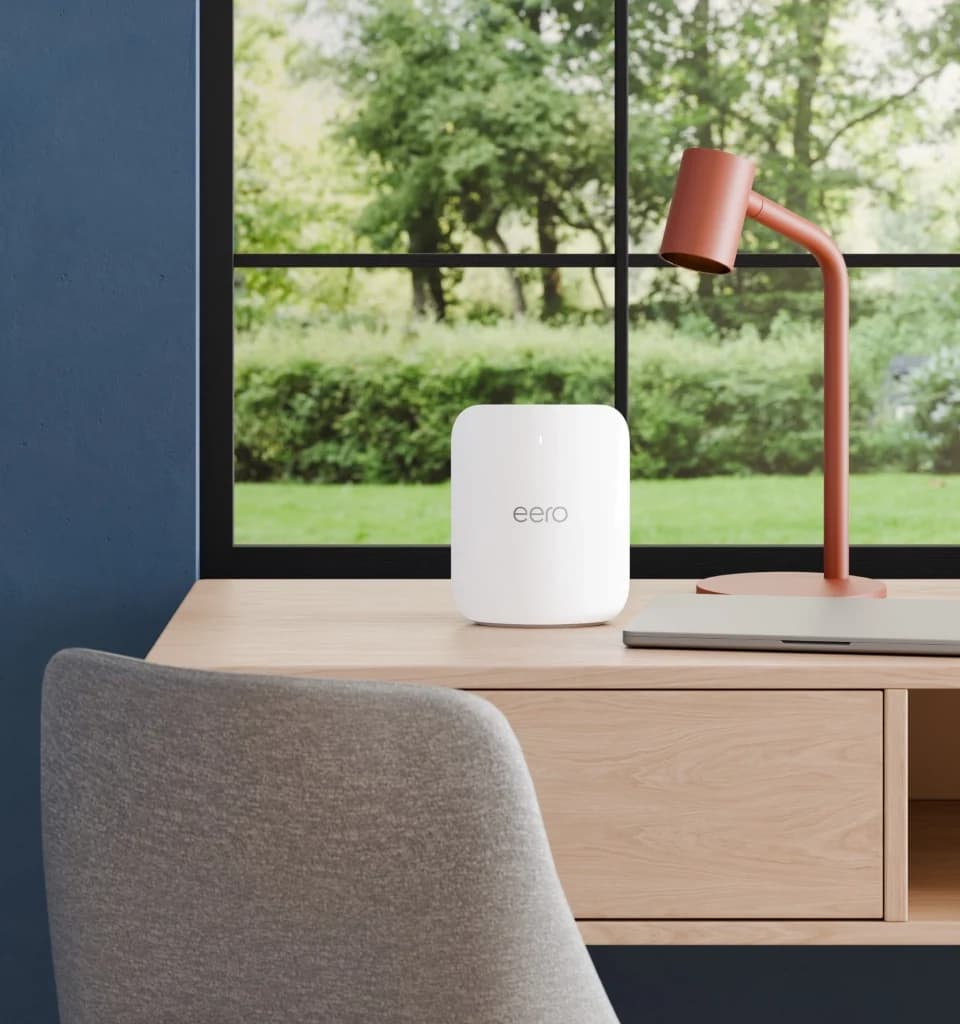
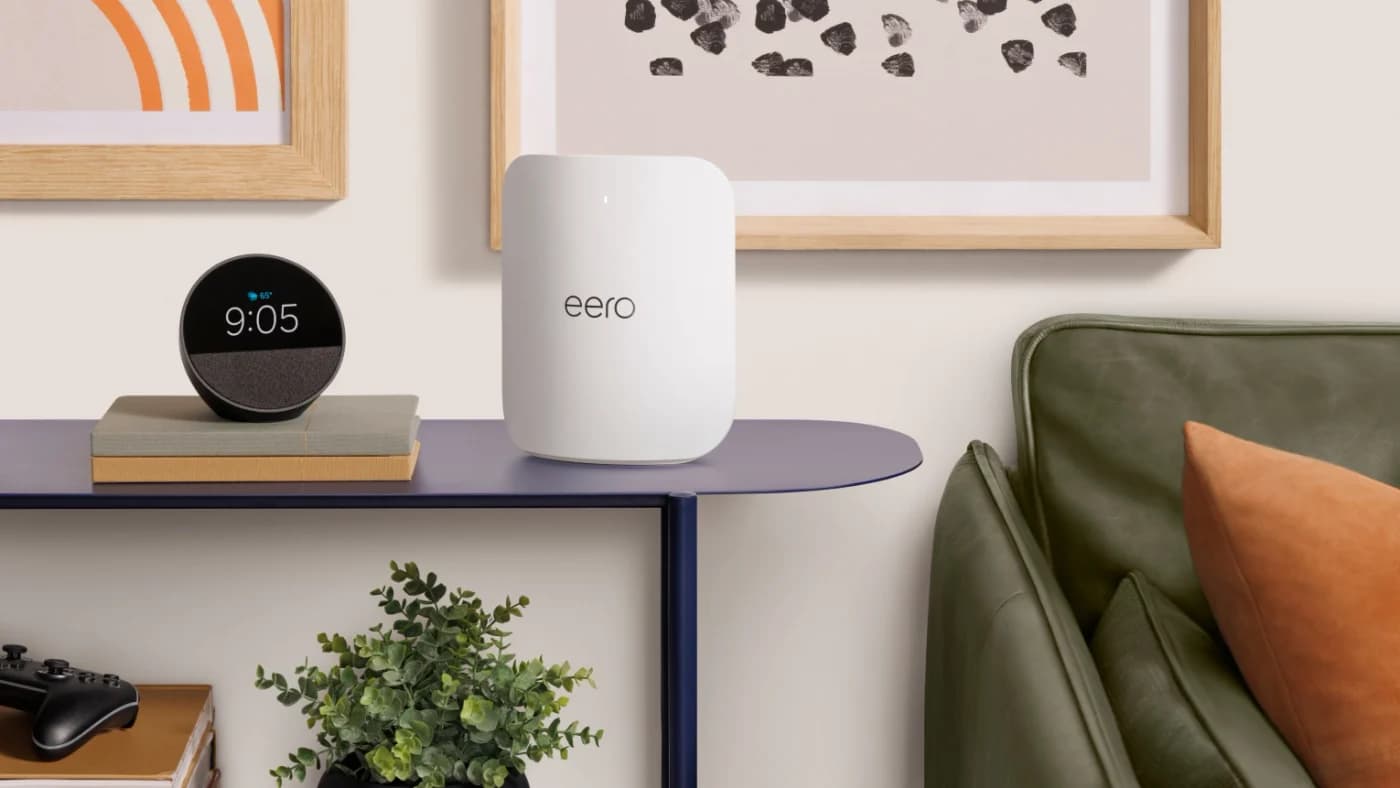
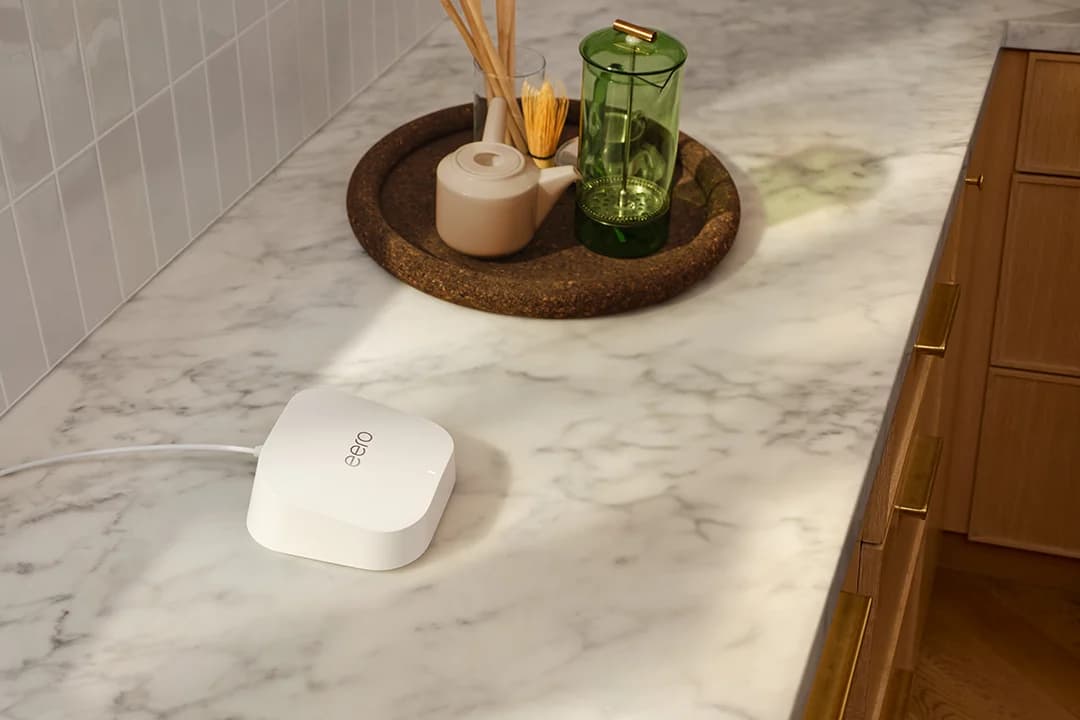
Our picks at a glance
- See on Amazon1
Best eero for most homes
eero Pro 7 Tri-Band Wi-Fi 7 Mesh RouterWi-Fi 7 · BE10800 · 3 bands · 5 Gbps port
- See on Amazon2
Best for 10 Gig plans and wired backhaul
eero Max 7 Tri-Band Wi-Fi 7 Mesh RouterWi-Fi 7 · 3 bands · 10 Gbps port
- See on Amazon3
Best for plans up to 2.5 Gig
eero 7 Dual-Band Wi-Fi 7 Mesh RouterWi-Fi 7 · BE5000 · 2 bands · 2.5 Gbps port
For most homes, the eero Pro 7 is the eero to buy: it adds the 6 GHz band with Wi-Fi 7's 320 MHz channels, and its two 5 GbE ports handle plans up to 5 Gbps. Choose the eero 7 if your plan is 2.5 Gbps or less and your devices don't use 6 GHz yet; choose the eero Max 7 for a 10 Gig plan, 10G wired devices or 10G wired backhaul. Specs from eero.com, checked November 1, 2026.
All three are Wi-Fi 7 mesh routers with a built-in Thread and Zigbee smart home hub, and all three carry eero's security-update commitment through at least October 31, 2031. The differences are bands, ports and coverage.
eero 7 vs Pro 7 vs Max 7 at a glance
| eero 7 | eero Pro 7 | eero Max 7 | |
|---|---|---|---|
| Bands | Dual (2.4, 5 GHz) | Tri (2.4, 5, 6 GHz) | Tri (2.4, 5, 6 GHz) |
| Widest channel | 240 MHz | 320 MHz | 320 MHz |
| Ethernet per unit | 2x 2.5 GbE | 2x 5 GbE | 2x 10 GbE + 2x 2.5 GbE |
| Plans (eero support articles) | Up to 2.5 Gbps | Up to 5 Gbps | Up to 10 Gbps |
| Speeds (eero support articles) | Wired 2.3 Gbps, wireless 1.8 Gbps | Wired 4.7 Gbps, wireless 3.9 Gbps | Wired 9.4 Gbps, wireless 4.3 Gbps |
| Coverage per unit (claim) | 2,000 sq ft | 2,000 sq ft* | 2,500 sq ft |
| Devices (claim) | 120+ | 200+ | 250+ |
| Power adapter | 15W USB-C | 27W USB-C | 45W USB-C |
| Size | 5.12 x 5.12 x 2.52 in | 5.76 x 7.10 x 3.10 in | 7.24 x 8.73 x 3.54 in |
*eero's shop and compare pages say 2,000 sq ft for the Pro 7; the hardware table in its support article says 2,500. We use the lower figure. eero's compare page also rounds differently: 2.5 Gbps wired for the eero 7, and plans up to 9.4 Gbps for the Max 7. Sources: eero's eero 7, Pro 7 and Max 7 support articles, the compare page and eero's compliance specifications.
Tap a label to explore. You can also hover or use your keyboard.
Scroll across to see every column
| Option | Radio bands | Ethernet per unit |
|---|---|---|
eero 7Dual-band Wi-Fi 7 · no 6 GHzThe base model has only the listed radio bands. Its auto-sensing ports can serve the modem / ONT uplink or Ethernet backhaul. Sources: 1: eero 7 is a dual-band Wi-Fi 7 router., 2: Each eero 7 has two auto-sensing 2.5 GbE ports and 2.4 and 5 GHz antennas., 8: The gateway eero connects to modem/ONT; additional units can connect downstream over Ethernet. | 2.4 and 5 GHz | Two 2.5 GbE ports |
eero Pro 7Tri-band Wi-Fi 7The Pro adds the 6 GHz band and has two auto-sensing 5 GbE ports. Radio bands and Ethernet port rates are separate specifications. Sources: 3: Pro 7 is a tri-band Wi-Fi 7 router., 4: Each Pro 7 has two auto-sensing 5 GbE ports., 5: Pro 7 has 2.4, 5 and 6 GHz radios. | 2.4 GHz · 5 GHz · 6 GHz | Two 5 GbE ports |
eero Max 7Tri-band Wi-Fi 7Count both groups of Ethernet ports on each Max unit. These port rates are separate from its radio bands. Sources: 6: Each Max 7 has two 10 Gigabit Ethernet and two 2.5 Gigabit Ethernet ports, all auto-sensing., 7: Max 7 is tri-band Wi-Fi 7 on 2.4, 5 and 6 GHz. | 2.4, 5 and 6 GHz | Two 10 Gigabit Ethernet + two 2.5 Gigabit Ethernet ports |
Bars start at zero and share a scale within each column.
Ports are auto-sensing. Connect the gateway eero to the modem / ONT; other eeros can connect downstream by Ethernet through a switch or in a daisy chain.
Source notes8 references
eero 7 is a dual-band Wi-Fi 7 router.
eero.com — source for eero 7 is a dual-band Wi-Fi 7 router.The eero 7 is a dual-band Wi-Fi 7 router built to provide speed and performance
Each eero 7 has two auto-sensing 2.5 GbE ports and 2.4 and 5 GHz antennas.
eero.com — source for Each eero 7 has two auto-sensing 2.5 GbE ports and 2.4 and 5 GHz antennas.Each eero 7 features two auto-sensing 2.5 GbE ports and dual-band 2.4 and 5 GHz antennas.
Pro 7 is a tri-band Wi-Fi 7 router.
eero.com — source for Pro 7 is a tri-band Wi-Fi 7 router.The eero Pro 7 is a tri-band Wi-Fi 7 router made for large home networks
Each Pro 7 has two auto-sensing 5 GbE ports.
eero.com — source for Each Pro 7 has two auto-sensing 5 GbE ports.Each eero Pro 7 features two auto-sensing 5 GbE ports
Pro 7 has 2.4, 5 and 6 GHz radios.
eero.com — source for Pro 7 has 2.4, 5 and 6 GHz radios.2.4 GHz: 2x2 5 GHz: 2x2 6 GHz: 2x2
Each Max 7 has two 10 Gigabit Ethernet and two 2.5 Gigabit Ethernet ports, all auto-sensing.
eero.com — source for Each Max 7 has two 10 Gigabit Ethernet and two 2.5 Gigabit Ethernet ports, all auto-sensing.This eero device includes two auto-sensing 10 Gigabit Ethernet ports and two auto-sensing 2.5 Gigabit Ethernet ports.
Max 7 is tri-band Wi-Fi 7 on 2.4, 5 and 6 GHz.
eero.com — source for Max 7 is tri-band Wi-Fi 7 on 2.4, 5 and 6 GHz.eero Max 7 is our most powerful tri-band Wi-Fi 7 eero. It utilizes the 2.4, 5, and the 6 GHz bands
The gateway eero connects to modem/ONT; additional units can connect downstream over Ethernet.
eero.com — source for The gateway eero connects to modem/ONT; additional units can connect downstream over Ethernet.You can connect all your eeros to your gateway eero via an Ethernet switch (with the gateway connected to the modem/ONT). Or daisy chain them by connecting each eero to the next.
Which eero for your plan and home
Match the ports to your plan
Up to 2.5 Gbps: eero 7. Up to 5 Gbps: Pro 7. Up to 10 Gbps: Max 7. The port on the main unit has to be at least as fast as the plan.
Check your devices for 6 GHz
Wi-Fi 6E phones and laptops, and Wi-Fi 7 models that support 6 GHz, can use that band on the Pro 7 and Max 7. On the dual-band eero 7 they connect on 2.4 or 5 GHz.
Count wired devices per room
The eero 7 and Pro 7 have two ports per unit. On the main router one goes to the modem, which leaves one, so plan on a small switch.
Size the system
Divide your floor area by the coverage claim (2,000 or 2,500 sq ft per unit). Claims are best cases: eero notes range may be reduced by placement and building materials.
eero sells all three models in 1-, 2- and 3-packs, and you don't have to buy one model throughout: a Max 7 at the modem with Pro 7 or eero 7 units in other rooms puts 10G ports only where the fiber or the NAS is.
The 6 GHz question
The eero 7 is the odd one out: it has no 6 GHz band, so its widest channel is 240 MHz on 5 GHz. The Pro 7 and Max 7 add 6 GHz with 320 MHz channels, the feature the Wi-Fi Alliance credits with twice the throughput of Wi-Fi 6. That only pays off with devices that use 6 GHz. Our Wi-Fi 7 router guide shows how to check yours: Apple lists Wi-Fi 7 for the iPhone 17, for example, and Google lists Wi-Fi 6E for the Pixel 10.
With two bands instead of three, the eero 7 also has less radio capacity to share between your devices and the wireless link to other eeros, one more reason to wire it if you can.
Ports and wired backhaul
eero says its units can connect to each other over Ethernet ("they maximize your internet speeds and reduce wireless interference") using Cat5e, Cat6 or Cat6a cable (eero support). The link runs at the speed of its slowest part: both ports, any switch and the cable in between, as eero's backhaul guide puts it.
Source: eero support articles and compare page
So a 10G wired backhaul needs Max 7 units at both ends and a 10G switch if one is in the path. No Ethernet in the walls? If you have coax outlets, a pair of MoCA 2.5 adapters gives each eero an Ethernet link instead; our MoCA vs powerline guide covers the setup and the cable-TV traps.
Mixing generations
eero's support articles treat the three differently. The eero 7 is "fully backwards compatible with previous generations of eero hardware." For the Pro 7 and Max 7, eero says combining them with older-generation eeros "may result in reduced performance across your network," and recommends pairing them with other Wi-Fi 7 eeros. If you're adding to an eero 6 system, the eero 7 is the safe add-on; if you're replacing the main router, replace the satellites too.
Smart home, subscriptions and updates
- Smart home hub: all three have a Thread and Zigbee hub, act as a Matter controller, include Bluetooth LE 5.0 and work with Alexa.
- eero Plus: an optional subscription with features such as ad blocking, a VPN, advanced security and extra parental controls. The router works without it.
- Updates: eero guarantees security updates for at least five years after you buy new on eero.com or Amazon.com, and lists October 31, 2031 as the minimum for all three (eero policy).
- Setup: eero says setup requires the eero app for iOS or Android.
- FCC: eero's routers hold an FCC Conditional Approval from April 22, 2026 to October 31, 2027 (DA 26-1130).
eero Pro 7
eero
eero Pro 7 Tri-Band Wi-Fi 7 Mesh Router
A tri-band Wi-Fi 7 router with a 6 GHz band and two 5 GbE ports, usable alone or as an eero mesh node.
Comes in 3 versions: see which to buy
- Wi-Fi 7
- BE10800
- 3 bands
- 5 Gbps port
The Pro 7 is the balanced choice: tri-band, 320 MHz on 6 GHz, Multi-Link Operation, and two 5 GbE ports for plans up to 5 Gbps. It ships with a Cat6a cable and a 27W USB-C adapter. Its limit is the port count, two per unit.
eero Max 7
eero
eero Max 7 Tri-Band Wi-Fi 7 Mesh Router
eero's top Wi-Fi 7 router, with two 10 GbE and two 2.5 GbE ports, for multi-gig plans and wired mesh backhaul.
Comes in 3 versions: see which to buy
- Wi-Fi 7
- 3 bands
- 10 Gbps port
The Max 7 adds two 10 GbE ports to two 2.5 GbE ports, 2:4:4 radio streams and the largest coverage claim of the three. It pays off with a 10 Gig plan or 10G wired gear; on a 1 Gig plan, its 10G ports sit idle. eero's compliance page restricts it to indoor use.
eero 7
eero
eero 7 Dual-Band Wi-Fi 7 Mesh Router
A dual-band Wi-Fi 7 router with two 2.5 GbE ports that works on its own or as one node of an eero mesh.
Comes in 3 versions: see which to buy
- Wi-Fi 7
- BE5000
- 2 bands
- 2.5 Gbps port
The eero 7 brings Wi-Fi 7 features such as Multi-Link Operation to the 2.4 and 5 GHz bands, with channels up to 240 MHz, two 2.5 GbE ports and the same 2,000 sq ft claim as the Pro 7. It's the right model for plans up to 2.5 Gbps in homes whose devices don't use 6 GHz, and for extending an older eero network.
eero vs Orbi 770 vs Deco BE63
Two rival tri-band Wi-Fi 7 kits with 2.5G ports, side by side:
| eero Pro 7 | Netgear Orbi 770 (RBE773) | TP-Link Deco BE63 | |
|---|---|---|---|
| Ports per unit | 2x 5 GbE | Router 1x 2.5G WAN + 3x 2.5G LAN; satellites 2x 2.5G | 4x 2.5G |
| Coverage claim | 2,000 sq ft per unit | 8,000 sq ft per 3-pack | 5,800 sq ft per 2-pack |
| Optional subscription | eero Plus | NETGEAR Armor | HomeShield (advanced features) |
| FCC router status | Approved to Oct 31, 2027 | Approved to Oct 1, 2027 | Not on the approval list |
The Orbi 770 has more ports on its router and 2.5G on every unit (Netgear), but Netgear lists a one-year warranty in the US against eero's three years, and its End of Service policy ends updates generally three years after the last sale date. The Deco BE63 has four 2.5G ports on every unit and optional Ethernet backhaul (TP-Link); check the hardware version, since TP-Link's product page lists Wi-Fi 6 on 2.4 GHz while its v2.6 datasheet lists 802.11be.
See the Deco BE63 2-pack on Amazon · Check price on Amazon
For the full field, including the quad-band Orbi 970 and ASUS's ZenWiFi BT10, see best mesh Wi-Fi systems.
How we choose
We haven't lab-tested these eeros. This comparison is built from eero's own spec pages, support articles and compliance specifications, cross-checked against each other (they disagree on the Pro 7's coverage, noted above). Coverage and device counts are eero's claims. The rival details come from Netgear's and TP-Link's product pages and policies, and the FCC status from its October 21, 2026 list, checked November 1, 2026. Full method: How we choose.
Verdict
Buy the eero Pro 7 unless you have a reason not to: 6 GHz, 320 MHz channels and 5 GbE ports fit plans up to 5 Gbps and devices that use 6 GHz. The eero 7 is the sensible pick for plans up to 2.5 Gbps, Wi-Fi 6 households and older eero networks. The eero Max 7 is for 10 Gig plans and 10G wired gear, and it can anchor a system with eero 7 or Pro 7 units around it.
Frequently asked questions
Can I mix the eero 7, Pro 7 and Max 7 in one network?
Yes. All three mesh with each other and with older eeros. eero says the eero 7 is fully backwards compatible, while combining a Pro 7 or Max 7 with older-generation eeros may reduce performance across the network, so it recommends keeping those two with other Wi-Fi 7 eeros. One option is a Max 7 or Pro 7 as the main router with Pro 7 or eero 7 units elsewhere.
Do I need eero Plus?
No. The eeros work without it, and eero's security-update policy covers every eero 7, Pro 7 and Max 7 at least through October 31, 2031. eero Plus is an optional subscription that adds features such as ad blocking, a VPN, advanced security and extra parental controls.
Which eero is best for a 2 Gig fiber plan?
Any of the three can pass it, because each has ports of 2.5 GbE or faster. The eero 7 is the lowest model that fits, but eero quotes its wired speed at up to 2.3 Gbps and it has no 6 GHz band. If your phones and laptops support 6 GHz, the Pro 7 is the better buy for the same plan.