

Buying guide
SFP Modules and Media Converters in 2026
Fiber for a Home Network
Pick the right SFP module or media converter for your home network: match the fiber type, speed and wavelength, and see our spec-checked picks.
By thisPING EditorialUpdated November 5, 202610 min read6 picks
On this page · Our picks at a glance
Our picks at a glance
- 1
Best overall SFP module
Choose for: Best overall SFP module
Check before buying: it is a gigabit module, so a 10 Gbps SFP+ slot runs at its own ceiling only with a 10 Gbps module; and single-mode is the wrong choice if the installed fiber is multi-mode.
- 2
- 3
Best media converter
Choose for: Best media converter
Check before buying: gigabit only, and the SFP module is sold separately, so budget for one module per converter.
Show all 6 picks
- 4
TP-Link TL-SM311LM
- 5
Ubiquiti UACC-OM-MM-1G-D
- 6
StarTech.com MCM110SC2EU
For most homes, the right SFP module is a TP-Link TL-SM311LS: a 1 Gbps single-mode module with a 20 km reach, diagnostics support and standard SFP-MSA compatibility, so it is an electrical and form-factor fit for an open SFP slot; check the switch or router vendor's qualified-module list before buying. If your gear has SFP+ ports and a multi-gig plan to feed them, the Ubiquiti UACC-OM-SM-10G-D carries 1 / 10 Gbps up to 10 km. And if your switch has no SFP slot at all, the TP-Link MC220L media converter bridges one RJ-45 port to a matching gigabit fiber run through its open module slot. Specs checked November 5, 2026.
An SFP module is a small pluggable transceiver that turns an electrical Ethernet signal into light for a fiber cable. A media converter is a small box that does the same job without needing a switch with an SFP slot. Both are simple to buy once you know the three things that must match: the speed, the fiber type and the connector at each end.
Quick picks
Compare specifications and all conditions
TP-Link TL-SM311LS
- Type
- SFP module
- Speed
- 1.25 Gbps
- Fiber
- Single-mode
All specifications
- Reach
- 20 km
- Connector
- LC duplex
Ubiquiti UACC-OM-SM-10G-D
- Type
- SFP+ module
- Speed
- 1 / 10 Gbps
- Fiber
- Single-mode
All specifications
- Reach
- 10 km
- Connector
- LC duplex UPC
TP-Link MC220L
- Type
- Media converter
- Speed
- 1 Gbps (RJ-45 + SFP)
- Fiber
- Depends on module
All specifications
- Reach
- Depends on module
- Connector
- LC via SFP slot
TP-Link TL-SM311LM
- Type
- SFP module
- Speed
- 1.25 Gbps
- Fiber
- Multi-mode
All specifications
- Reach
- 275 m or 550 m
- Connector
- LC duplex
Ubiquiti UACC-OM-MM-1G-D
- Type
- SFP module
- Speed
- 1 Gbps
- Fiber
- Multi-mode
All specifications
- Reach
- 550 m
- Connector
- LC duplex UPC
StarTech.com MCM110SC2EU
- Type
- Media converter
- Speed
- 10/100 Mbps
- Fiber
- Multi-mode
All specifications
- Reach
- 2 km
- Connector
- SC duplex
Full comparison table
Swipe to compare. Row labels stay visible.
| Pick | Type | Speed | Fiber | Reach | Connector |
|---|---|---|---|---|---|
| TP-Link TL-SM311LS | SFP module | 1.25 Gbps | Single-mode | 20 km | LC duplex |
| Ubiquiti UACC-OM-SM-10G-D | SFP+ module | 1 / 10 Gbps | Single-mode | 10 km | LC duplex UPC |
| TP-Link MC220L | Media converter | 1 Gbps (RJ-45 + SFP) | Depends on module | Depends on module | LC via SFP slot |
| TP-Link TL-SM311LM | SFP module | 1.25 Gbps | Multi-mode | 275 m or 550 m | LC duplex |
| Ubiquiti UACC-OM-MM-1G-D | SFP module | 1 Gbps | Multi-mode | 550 m | LC duplex UPC |
| StarTech.com MCM110SC2EU | Media converter | 10/100 Mbps | Multi-mode | 2 km | SC duplex |
Scroll horizontally to see every column
| Pick | Type | Speed | Fiber | Reach | Connector |
|---|---|---|---|---|---|
| TP-Link TL-SM311LS | SFP module | 1.25 Gbps | Single-mode | 20 km | LC duplex |
| Ubiquiti UACC-OM-SM-10G-D | SFP+ module | 1 / 10 Gbps | Single-mode | 10 km | LC duplex UPC |
| TP-Link MC220L | Media converter | 1 Gbps (RJ-45 + SFP) | Depends on module | Depends on module | LC via SFP slot |
| TP-Link TL-SM311LM | SFP module | 1.25 Gbps | Multi-mode | 275 m or 550 m | LC duplex |
| Ubiquiti UACC-OM-MM-1G-D | SFP module | 1 Gbps | Multi-mode | 550 m | LC duplex UPC |
| StarTech.com MCM110SC2EU | Media converter | 10/100 Mbps | Multi-mode | 2 km | SC duplex |
The four extra rows exist for one reason: fiber type is not a preference, it is a fact about the cable you already have. Two of our picks light multi-mode fiber instead of single-mode, and one 10/100 converter exists for old SC-connector runs. Below, we explain how to read your own situation off that table in under a minute.
What an SFP module is, in one minute
An SFP (Small Form-factor Pluggable) module slides into an SFP slot on a switch, router or network card and converts between the copper-side electronics and light on a fiber strand. SFP slots run at 1 Gbps; SFP+ slots, the physically identical but faster generation, run at 10 Gbps. The module you buy must match the slot's speed class and the fiber attached to it.
Every module specifies three things that must match the far end:
- Speed class: 1 Gbps SFP or 10 Gbps SFP+. A 10 Gbps link needs SFP+ on both ends.
- Fiber type: single-mode (SMF) or multi-mode (MMF). This is fixed by the installed cable, and both ends need the same type.
- Wavelength and connector: both modules on a link should use the same wavelength, and the connector (usually LC, sometimes SC) must fit the patch panel or fiber cable you have.
- Yes: Speed class: SFP for 1 Gbps, SFP+ for 10 Gbps, matched at both ends
- Yes: Fiber type: single-mode or multi-mode, matched to the installed cable
- Yes: Wavelength and connector: the same module standard at both ends
- No: A 10 Gbps module in a 1 Gbps SFP slot: the slot's speed is the ceiling
If your switch has no SFP slot, a media converter adds the fiber side externally: one RJ-45 port and one fiber port (fixed, or an open SFP slot like the MC220L's), so a pair of converters carries your Ethernet across a long fiber run.
Best overall SFP module: TP-Link TL-SM311LS
For a gigabit link over single-mode fiber, the TL-SM311LS is the module we would put in the slot. TP-Link's US product page lists a 1310 nm wavelength on 9/125 um single-mode fiber, an LC duplex port, a 20 km maximum cable length and a 1.25 Gbps data rate.
This guide's records are filed with the site's owner for ASIN confirmation, so the linked text above is the maker's page; the specs that matter:
- 1.25 Gbps data rate; TP-Link also lists IEEE 802.3z under standards and protocols
- 1310 nm over 9/125 um single-mode fiber, up to 20 km
- LC duplex connector
- DDM (digital diagnostic monitoring), SFP-MSA compatibility and hot-swap support, per the spec sheet
- 3.3 V power supply, 0–70 °C operating temperature
The trade-offs: it is a gigabit module, so a 10 Gbps SFP+ slot runs at its own ceiling only with a 10 Gbps module; and single-mode is the wrong choice if the installed fiber is multi-mode. For multi-mode, TP-Link's SM311LM below uses the same chassis with an 850 nm laser for 275 m or 550 m on 50/125 or 62.5/125 um fiber.
Best 10G SFP+ module: Ubiquiti UACC-OM-SM-10G-D
Multi-gig switches and NAS boxes increasingly ship with SFP+ uplinks, and the UACC-OM-SM-10G-D fills them with room to spare. Ubiquiti's US store page lists an SFP+ form factor, a duplex LC UPC connector, 1310 nm transmit and receive wavelengths, a 1 / 10 Gbps supported data rate, a 10 km cable distance and 1 W maximum power consumption, in single, 2-pack and 20-pack options.
- SFP+ form factor, compatible with SFP+ and SFP interfaces
- 1 / 10 Gbps over single-mode fiber, up to 10 km (6.2 mi)
- 1310 nm TX and RX, duplex LC UPC
- 1 W maximum power consumption
- Ubiquiti also sells a bidirectional single-mode version, UACC-OM-SM-10G-S, which uses a simplex LC UPC connector and 1270 / 1330 nm wavelengths for single-strand runs; its store page lists 2-pack and 20-pack options
The trade-offs: single-mode only, the fiber cable is not included, and a 10 km reach is wasted money inside one room, where Ubiquiti's own 10G multi-mode module (300 m on OM3, 400 m on OM4) or a direct-attach copper cable is the cheaper fit. Note the naming: Ubiquiti's current US lineup sells these modules under the UACC-OM names above; older UF-series module names appear on pre-existing hardware listings but not on the current store pages, so check the product ID rather than the series name when ordering.
Best media converter: TP-Link MC220L
When the switch has no SFP slot, the MC220L is the cleanest bridge. TP-Link's US product page describes it as converting between 1000BASE-SX/LX fiber and 10/100/1000Base-T copper, with one 1000M SFP port, one 10/100/1000M RJ-45 port with auto MDI/MDIX, and a maximum transmission distance that depends on the inserted SFP module.
- 1x 1000M SFP port plus 1x 10/100/1000M RJ-45 port
- Works with multi-mode or single-mode SFP modules, so the fiber type is decided by the module you insert
- 100 m maximum on the copper side over Cat 5 or 5e
- Standalone desktop use or TP-Link's MC1400 chassis
- 1.7 W maximum power consumption, FCC/CE/RoHS
The trade-offs: gigabit only, and the SFP module is sold separately, so budget for one module per converter. For an existing 100 Mbps SC-connector run, see the MC100CM and MCM110SC2EU below.
Picks for multi-mode fiber and 100 Mbps runs
Two of our quick-picks rows serve fiber types the three picks above do not:
TP-Link TL-SM311LM — the multi-mode twin of the SM311LS: an 850 nm laser over 50/125 or 62.5/125 um multi-mode fiber, 275 m or 550 m maximum cable length, 1.25 Gbps, LC duplex. If your home was wired with multi-mode fiber, this is the inexpensive module for it.
Ubiquiti UACC-OM-MM-1G-D — Ubiquiti's current 1G multi-mode module: SFP form factor, duplex LC UPC, 850 nm, 1 Gbps, 550 m, 0.66 W maximum power consumption.
TP-Link MC100CM — a 10/100 Mbps converter for legacy multi-mode runs: two 100M SC/UPC ports and one 10/100M RJ-45 port, 1310 nm, and a 2 km reach over multi-mode fiber with the SC-type connector built in, so no module purchase is needed.
StarTech.com MCM110SC2EU — also a 10/100 Mbps SC multi-mode converter: 1310 nm, 2 km maximum transfer distance, 10/100 Mbps, half/full-duplex, and a 2-year warranty. StarTech identifies the product as TAA in its official product title and metadata, so verify current procurement requirements with StarTech if formal TAA documentation is required.
- 20 kmSingle-mode reach of the TL-SM311LS
- 10 kmSingle-mode reach of the UACC-OM-SM-10G-D at 10 Gbps
- 550 mMulti-mode reach of the 1G modules here
- 2 kmMulti-mode reach of the 100 Mbps converters
How to choose: read your run before you shop
Step 1: what fiber exists? If a cable is already installed, its type decides everything: single-mode pairs with 1310 nm long-range modules (the SM311LS, the UACC-OM-SM-10G-D), multi-mode pairs with 850 nm short-range modules (the SM311LM, the UACC-OM-MM-1G-D). If you are installing new cable, single-mode is the safe default: the long-range and 10G single-mode picks here use single-mode fiber, it carries the same gigabit traffic, and short-range 10G multi-mode modules also exist.
Step 2: what speed does the link need? A gigabit link needs modules and slots that support 1 Gbps; 1G SFP modules and this guide's 1 / 10 Gbps SFP+ module can both serve it, subject to slot compatibility. A 10 Gbps link, such as an uplink between multi-gig switches or to a NAS, needs SFP+ slots and 10 Gbps modules on both ends. Within a single rack, a direct-attach copper cable often costs less than two optical modules and a fiber pair.
Step 3: does the switch have a slot? An SFP or SFP+ slot means you buy a module. No slot means a media converter pair: the MC220L with two matched SFP modules for gigabit, or a fixed 100 Mbps converter for legacy runs.
Step 4: check the maker's compatibility list. Modules built to the SFP MSA generally interoperate, but a switch maker's official support usually covers its own tested modules. TP-Link's Omada pages describe the SM311LS and SM311LM as installed "in our managed/smart switches," and Ubiquiti sells its UACC modules for UniFi and UISP hardware. For third-party slots, the MSA is the compatibility floor.
Installation is one insertion. TP-Link lists hot-swappable operation for both TP-Link modules; Ubiquiti's modules use the standard SFP/SFP+ cage, so follow your switch's insertion guidance. Insert until the module latches, connect the fiber, and the port's link LED tells you the rest. Media converters add only a power adapter on each end. DDM support, listed on both TP-Link modules, lets a managed switch report the module's diagnostics, so nothing needs configuring on the module itself.
Buying guide: what separates a good module from a bad buy
Matched pairs beat mix-and-match. A fiber link needs the same speed class, fiber type and wavelength at both ends. The cheapest reliable recipe in this guide is two identical modules; the most common failed install is a 1310 nm single-mode module facing an 850 nm multi-mode module.
Reach you do not need is not value. A 20 km module inside one building works fine, but a short-reach module or a direct-attach cable costs less and draws less power. Buy the reach your run needs plus margin, not the biggest number on the box.
Check the connector against your patch panel. The modules here use LC duplex ports; the 100 Mbps converters use SC. Your patch panel, fiber cable or media converter has to accept the same one, or you need an adapter.
Mind the power budget on big switches. Module power is small but real: the modules here draw between 0.66 W and 1 W each. That is irrelevant for one link and worth counting when filling a 24-port SFP+ switch.
Where these fit in a bigger network. A fiber pair is the right answer for a detached garage, a run past electrically noisy equipment, or a link between floors where Ethernet's 100 m copper limit is tight. For whole-home coverage without new cabling, see mesh Wi-Fi systems; for the copper side of the closet, see our PoE switch picks.
How we choose
We haven't lab-tested or speed-tested these products. Speeds, wavelengths, fiber types, distances, connectors and power figures come from TP-Link's, Ubiquiti's and StarTech.com's own product pages, linked in each section and checked November 5, 2026. Compatibility guidance comes from the SFP-MSA declarations on the makers' spec sheets. Picks are sorted by how many home installs they fit: the single-mode gigabit module covers the most runs, the SFP+ module covers multi-gig uplinks, and the converters cover switches without a slot. Full method: How we choose.
Verdict
For a gigabit fiber link, buy the TP-Link TL-SM311LS: single-mode, 1310 nm, 20 km, DDM, standard MSA compatibility. Multi-gig households with SFP+ uplinks should get the Ubiquiti UACC-OM-SM-10G-D (1 / 10 Gbps, 10 km single-mode). If the switch has no SFP slot, the TP-Link MC220L bridges one RJ-45 port to a matching gigabit fiber run, with the module of your choice in its slot. Multi-mode runs are served by the SM311LM or UACC-OM-MM-1G-D, and legacy 100 Mbps SC runs by the MC100CM or MCM110SC2EU. Match speed class, fiber type, wavelength and connector at both ends, and the link comes up on the first try.
Frequently asked questions
Are all SFP modules compatible with every switch?
Most are built to the SFP Multi-Source Agreement, which is why a TP-Link module lists SFP-MSA compatibility and Ubiquiti says its SFP+ module is compatible with SFP+ and SFP interfaces. In practice, some switch makers qualify only their own modules for support purposes, so check your switch's compatibility list before mixing brands. Confirm the slot and negotiated speed: Ubiquiti's 1 / 10 Gbps SFP+ module needs a slot and host that support the speed you want, so a 10 Gbps link requires SFP+ and 10 Gbps host support.
What is the difference between single-mode and multi-mode fiber?
Single-mode fiber has a small 9/125 um core and carries long links with a laser; multi-mode fiber has a larger 50/125 or 62.5/125 um core and carries shorter links at lower cost. The modules show it: TP-Link's SM311LS uses 1310 nm on single-mode for 20 km, while the SM311LM uses 850 nm on multi-mode for 275 m or 550 m. Match speed class, fiber type, wavelength and connector at both ends; the official pages do not require buying two identical module models.
Can I use an SFP module to connect to my ISP's fiber?
Usually not directly. Most home fiber providers hand off Ethernet through their own ONT, so you plug a router into it with a normal RJ-45 cable. An SFP port on your router or switch is for your own fiber runs between rooms, buildings or outbuildings. If your provider does offer a direct SFP handoff, it publishes exactly which module standard, wavelength and speed to use, and that list decides the purchase.
Is a media converter better than an SFP switch?
A media converter is the cheaper way to add one fiber link to an existing copper network, and the MC220L's open SFP slot means one box covers either fiber type. If you need several fiber links, PoE, or 2.5G and 10G speeds, a switch with SFP+ ports usually costs less per port; our multi-gig switch guide covers the models with SFP+ uplinks. For one long link to a garage or a security camera, a converter pair is the simpler buy.
Best overall SFP module
TP-Link TL-SM311LS
Related guides
Buying guide · Cables & Accessories
Best PoE Injectors in 2026: Power One Access Point or Camera Without a New Switch
The right PoE injector for your access point or camera: which standard (802.3af, at, bt), how many watts, gigabit or 2.5 GbE, and when a small PoE switch is the better buy.
Best picks · Cables & Accessories
Best Network Cable Testers: Verify, Qualify or Certify
Pick the right network cable tester: a cheap wiremap tester for home runs, Fluke LinkIQ for 10GbE qualification, or a DSX CableAnalyzer for certification.
Comparison · Cables & Accessories
CyberPower CP1500PFCLCD vs APC BE600M1: Which Router Backup Should You Buy?
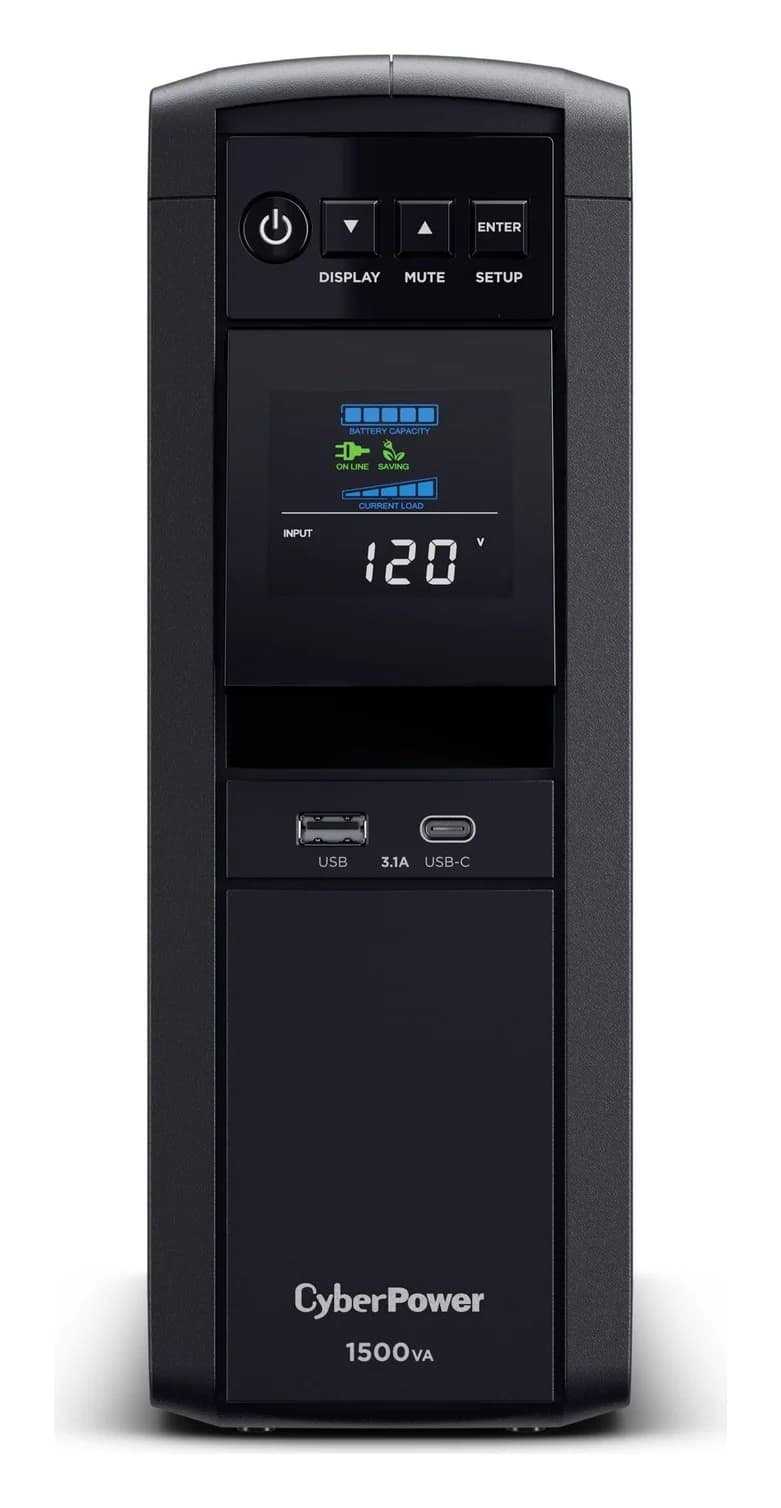
CyberPower CP1500PFCLCD or APC BE600M1 for a router, modem or NAS? Compare capacity, outlets, waveform, runtime curves and USB shutdown support before buying.