

Buying guide
Black Friday Router Deals
Mesh and NAS Buying Checklist
Judge Black Friday router, mesh Wi-Fi and NAS offers by exact US model, pack size, spare ports, drive capacity and support with a printable buying worksheet.
By thisPING EditorialUpdated November 3, 20268 min read2 picks
Our recommendation: eero Max 7
two planned locations
Limit: 10G WAN plus 10G backhaul consumes both gateway 10 GbE ports; a local 10G device then needs a switch.
On this page · Our picks at a glance
Our picks at a glance
- 1
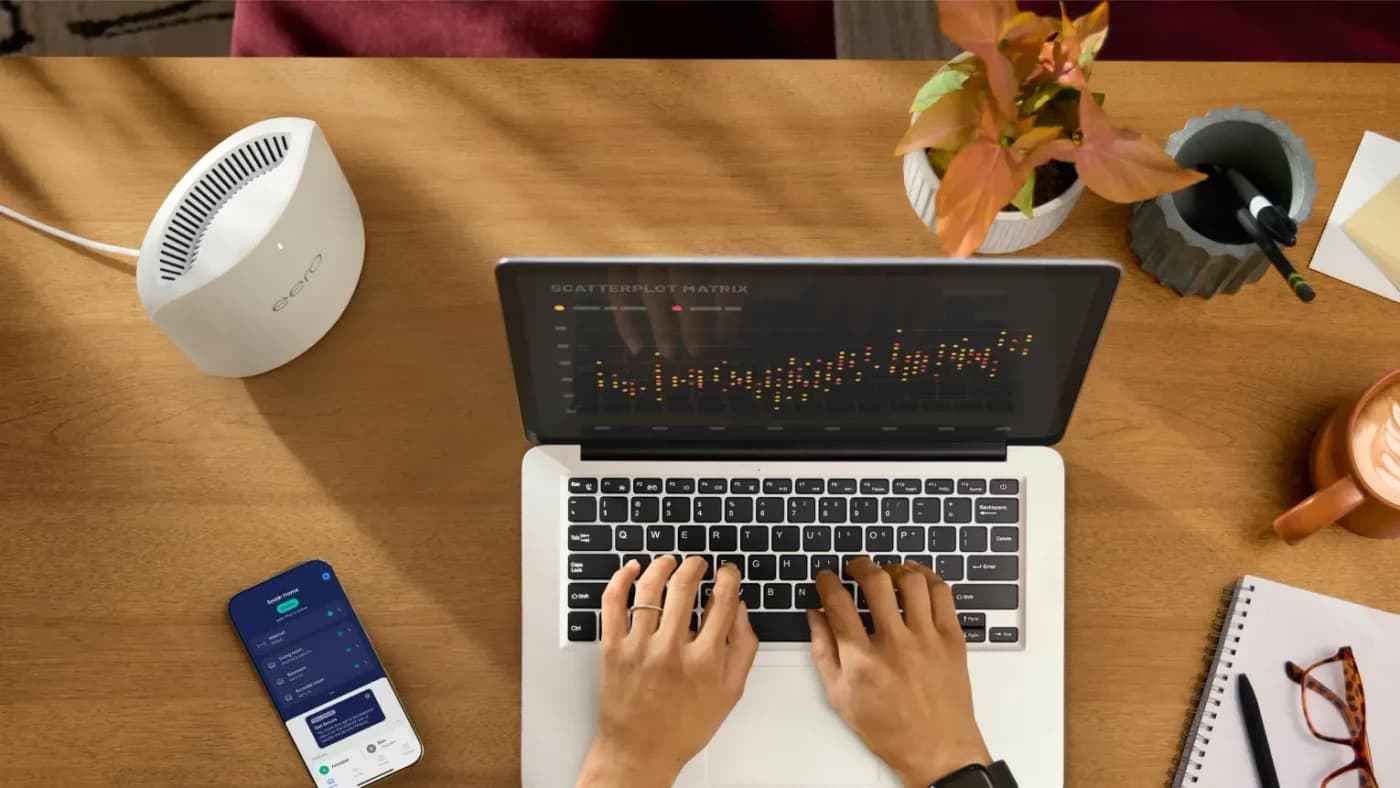
Choose for: two planned locations
Check before buying: 10G WAN plus 10G backhaul consumes both gateway 10 GbE ports; a local 10G device then needs a switch.
- 2
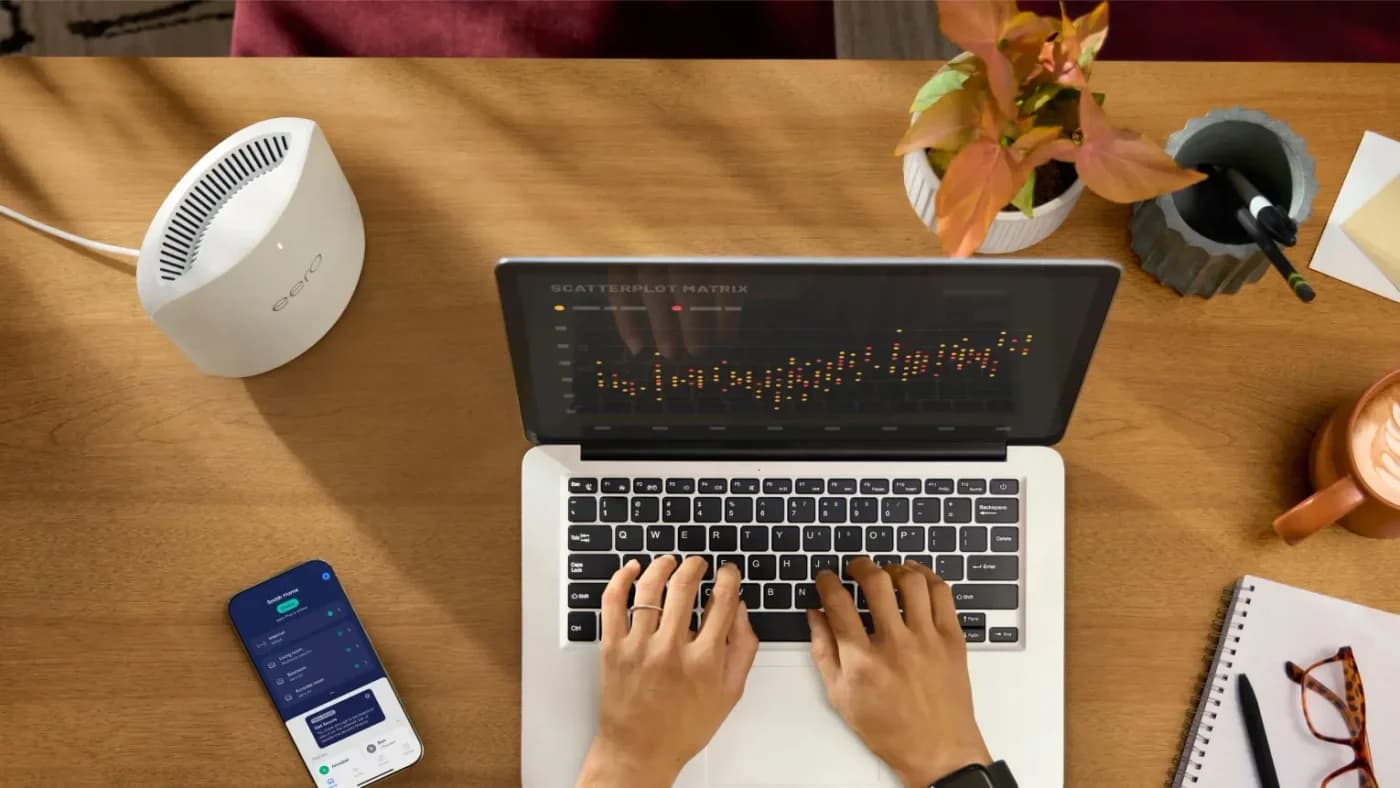
Choose for: three planned locations
Check before buying: 10G WAN plus 10G backhaul consumes both gateway 10 GbE ports; a local 10G device then needs a switch.
Before buying a Black Friday router deal, match the exact US model, included units, remaining ports and documented support to your network. Our single-router starting point is the ASUS RT-BE92U, with a 10 Gbps WAN/LAN port and four 2.5 Gbps ports; for mesh, compare the exact eero Max 7 pack, and for storage, complete the DS225+ plus drives worksheet below. Keep the offer only when it passes your checklist, then follow the matching buying guide.
Specifications and dated FCC documents checked November 2, 2026. These are buying examples, with no claim of a current discount.
Quick picks: compare the complete package
Compare specifications and all conditions
ASUS RT-BE92U
- What to match
- Single router, exact US model
- Connection or storage check
- 10 Gbps WAN/LAN plus four 2.5 Gbps ports
- Continue here
- Router picks
eero Max 7 US 2-pack
- What to match
- Two Max 7 units
- Connection or storage check
- Per unit: two 10 GbE plus two 2.5 GbE
- Continue here
- Mesh picks
eero Max 7 US 3-pack
- What to match
- Three Max 7 units
- Connection or storage check
- Same hardware; plan the extra node's connection
- Continue here
- eero comparison
Synology DS225+
- What to match
- Enclosure versus seller-added drive bundle
- Connection or storage check
- Two SATA bays; one 2.5GbE plus one 1GbE
- Continue here
- Home NAS picks
WD Red Plus WD80EFPX
- What to match
- Exact disk model and quantity
- Connection or storage check
- 8 TB, CMR, SATA; check enclosure compatibility
- Continue here
- NAS drive picks
Full comparison table
Swipe to compare. Row labels stay visible.
| Reference pick | What to match | Connection or storage check | Continue here |
|---|---|---|---|
| ASUS RT-BE92U | Single router, exact US model | 10 Gbps WAN/LAN plus four 2.5 Gbps ports | Router picks |
| eero Max 7 US 2-pack | Two Max 7 units | Per unit: two 10 GbE plus two 2.5 GbE | Mesh picks |
| eero Max 7 US 3-pack | Three Max 7 units | Same hardware; plan the extra node's connection | eero comparison |
| Synology DS225+ | Enclosure versus seller-added drive bundle | Two SATA bays; one 2.5GbE plus one 1GbE | Home NAS picks |
| WD Red Plus WD80EFPX | Exact disk model and quantity | 8 TB, CMR, SATA; check enclosure compatibility | NAS drive picks |
Scroll horizontally to see every column
| Reference pick | What to match | Connection or storage check | Continue here |
|---|---|---|---|
| ASUS RT-BE92U | Single router, exact US model | 10 Gbps WAN/LAN plus four 2.5 Gbps ports | Router picks |
| eero Max 7 US 2-pack | Two Max 7 units | Per unit: two 10 GbE plus two 2.5 GbE | Mesh picks |
| eero Max 7 US 3-pack | Three Max 7 units | Same hardware; plan the extra node's connection | eero comparison |
| Synology DS225+ | Enclosure versus seller-added drive bundle | Two SATA bays; one 2.5GbE plus one 1GbE | Home NAS picks |
| WD Red Plus WD80EFPX | Exact disk model and quantity | 8 TB, CMR, SATA; check enclosure compatibility | NAS drive picks |
The hardware sources are ASUS's US specifications, eero's pack selector and hardware page, Synology's DS225+ specifications, and WD's model-by-model datasheet.
Buying guide: print this offer worksheet
Set calendar reminders for Friday, November 27, and Monday, November 30, 2026: the Black Friday and Cyber Monday dates follow from OPM's Thanksgiving date of Thursday, November 26. That is calendar arithmetic, not an announced sale schedule. Prepare your shortlist beforehand and recheck the selected package when ordering.
Print this table once per offer. Write hold beside anything the seller has not specified; leave the order unfinished until it is resolved. Each row points to the existing guide that helps finish that decision.
Offer/link: __________ Checked on: __________ Keep / hold / skip: __________
Router identity
- Fill in before ordering
- Full model: ____; US region and hardware revision from box/label: ____
- Decision guide
- Wi-Fi router guide
Mesh package
- Fill in before ordering
- Model of every unit: ____; quantity: ____; planned locations: ____
- Decision guide
- Mesh systems
eero variant
- Fill in before ordering
- Exact family: ____; homogeneous or mixed bundle: ____; new/refurbished condition: ____
- Decision guide
- eero models
Port budget
- Fill in before ordering
- WAN: ____; backhaul at each end: ____; free ports by speed/location: ____; switch needed: ____
- Decision guide
- Multi-gig switches
NAS package
- Fill in before ordering
- Enclosure: ____; diskless or bundled: ____; included drive models and quantity: ____
- Decision guide
- Home NAS
Storage plan
- Fill in before ordering
- Disk firmware/OS: ____; compatibility result: ____; capacity after redundancy: ____; growth space and separate backup: ____
- Decision guide
- NAS hard drives
Provider fit
- Fill in before ordering
- Modem/ONT/gateway: ____; plan: ____; Ethernet handoff speed and required setup: ____
- Decision guide
- Modem versus router
Support evidence
- Fill in before ordering
- Model-specific firmware/policy URL: ____; dated commitment: ____; FCC document/date, where applicable: ____
- Decision guide
- FCC router explainer
Full comparison table
Swipe to compare. Row labels stay visible.
| Check | Fill in before ordering | Decision guide |
|---|---|---|
| Router identity | Full model: ____; US region and hardware revision from box/label: ____ | Wi-Fi router guide |
| Mesh package | Model of every unit: ____; quantity: ____; planned locations: ____ | Mesh systems |
| eero variant | Exact family: ____; homogeneous or mixed bundle: ____; new/refurbished condition: ____ | eero models |
| Port budget | WAN: ____; backhaul at each end: ____; free ports by speed/location: ____; switch needed: ____ | Multi-gig switches |
| NAS package | Enclosure: ____; diskless or bundled: ____; included drive models and quantity: ____ | Home NAS |
| Storage plan | Disk firmware/OS: ____; compatibility result: ____; capacity after redundancy: ____; growth space and separate backup: ____ | NAS hard drives |
| Provider fit | Modem/ONT/gateway: ____; plan: ____; Ethernet handoff speed and required setup: ____ | Modem versus router |
| Support evidence | Model-specific firmware/policy URL: ____; dated commitment: ____; FCC document/date, where applicable: ____ | FCC router explainer |
Scroll horizontally to see every column
| Check | Fill in before ordering | Decision guide |
|---|---|---|
| Router identity | Full model: ____; US region and hardware revision from box/label: ____ | Wi-Fi router guide |
| Mesh package | Model of every unit: ____; quantity: ____; planned locations: ____ | Mesh systems |
| eero variant | Exact family: ____; homogeneous or mixed bundle: ____; new/refurbished condition: ____ | eero models |
| Port budget | WAN: ____; backhaul at each end: ____; free ports by speed/location: ____; switch needed: ____ | Multi-gig switches |
| NAS package | Enclosure: ____; diskless or bundled: ____; included drive models and quantity: ____ | Home NAS |
| Storage plan | Disk firmware/OS: ____; compatibility result: ____; capacity after redundancy: ____; growth space and separate backup: ____ | NAS hard drives |
| Provider fit | Modem/ONT/gateway: ____; plan: ____; Ethernet handoff speed and required setup: ____ | Modem versus router |
| Support evidence | Model-specific firmware/policy URL: ____; dated commitment: ____; FCC document/date, where applicable: ____ | FCC router explainer |
ASUS explicitly advises checking the hardware version on the device or box label, and says available and end-of-life versions vary by region. Ask for that identity when an offer leaves it unclear.
ASUS RT-BE92U: single-router starting point
Choose this reference when its port layout matches your plan. ASUS lists one 10 Gbps WAN/LAN, one 2.5 Gbps WAN/LAN and three 2.5 Gbps LAN ports. Assign the 10 Gbps port to internet and four 2.5 Gbps connections remain; reserve one for wired mesh backhaul and three remain. Those are port-count calculations, not throughput measurements. See ASUS's wired-backhaul instructions.
Its US specification page lists 2.4, 5 and 6 GHz, plus AiMesh router and node modes. Record the full RT-BE92U name rather than a Wi-Fi speed-class headline. Compare other layouts in the router buying guide; do not select a larger mesh pack until you have planned the node locations.
eero Max 7 US 2-pack: two planned locations
eero
A US pack of 2 eero Max 7 routers for a mesh network with wired or wireless backhaul.
Check package and model options
- Wi-Fi 7
- 3 bands
- 10 Gbps port
This selection is two Max 7 units. Each has two auto-sensing 10 GbE ports and two auto-sensing 2.5 GbE ports, according to eero. Count available connections at each location, rather than adding every port in the box.
Worked pack example: assume a 10 GbE internet connection and a direct 10 GbE wired link between the units. Both gateway 10 GbE ports are occupied, leaving its two 2.5 GbE ports. At the remote unit, the link occupies one 10 GbE port, leaving one 10 GbE and two 2.5 GbE ports. A local 10 GbE desktop beside the gateway now needs an appropriate switch in that LAN path.
eero's switch instructions put the switch after the gateway, not between the modem and all the eeros. Size its ports for the actual connections; see multi-gig switches.
There is a maker-page discrepancy: support says internet plans up to 10 Gbps, while eero's comparison labels plan support 9.4 Gbps. Both publish wired speeds up to 9.4 Gbps; none of these figures is our measured result.
eero Max 7 US 3-pack: three planned locations
eero
A US pack of 3 eero Max 7 routers for a mesh network with wired or wireless backhaul.
Check package and model options
- Wi-Fi 7
- 3 bands
- 10 Gbps port
The three-unit pack changes quantity, not the Max 7 port layout. Choose it only after placing the additional node on your plan. For two remote nodes wired through a switch, put that switch downstream of the gateway and count every uplink, following eero's topology guidance.
Generation matters too: eero 7 is dual-band, 2.4 and 5 GHz, with two 2.5 GbE ports; Pro 7 is tri-band, including 6 GHz, with two 5 GbE ports. Neither name identifies this Max pack. Use the eero comparison for those alternatives.
Pro 7's own support page conflicts on coverage: 2,000 sq ft in its introduction versus 2,500 sq ft in its hardware table. Treat both as maker claims requiring clarification. eero also warns that combining Max 7 with older generations may reduce network performance; avoid treating a mixed bundle as interchangeable.
Synology DS225+: NAS enclosure starting point
The DS225+ specifications list two SATA drive bays, one 2.5GbE and one 1GbE port. Its standard packaging list names the main unit, accessories, power equipment and LAN cables, with no storage drives listed. A seller-added drive bundle needs its own written disk inventory.
Check the installed software before approving disks. Synology's DSM 7.3 announcement permits third-party drive installation and pool creation on its 2025 DiskStation Plus models running that version. That permission does not establish certification for every disk: check the exact model and firmware in the DS225+ compatibility selector. The WD pairing below remains conditional on confirming that exact model and firmware; it is not a certified-pairing claim.
WD Red Plus WD80EFPX: finish the NAS drive order
For a worked order, start with a DS225+ enclosure plus two WD80EFPX drives, conditional on the compatibility check above. WD's datasheet identifies this exact disk as 8 TB, CMR, SATA, 5640 RPM and 256 MB cache. The WD80EFZZ is also 8 TB but has 128 MB cache: capacity and family name alone do not identify the disk.
Two 8 TB drives total 16 TB raw. Synology's RAID documentation gives RAID 1 the smallest drive's capacity, so this mirror provides 8 TB nominal capacity before system/filesystem overhead. The DS225+ specifications also warn that usable capacity is lower after filesystem and metadata requirements. These are calculated capacities, not formatted-space measurements.
- 16 TBRaw capacity: two 8 TB drives added together
- 8 TBNominal RAID 1 capacity before system/filesystem overhead
Write current files, expected growth and retained versions into the worksheet before accepting that capacity. Add an independent backup destination sized for the files and history you will protect. Synology recommends three copies, on two different media, with one off-site; another disk in the same mirror is not that off-site copy. Follow the NAS drive guide to complete the order.
Verify provider fit and dated support
Match your provider's equipment and setup instructions before replacing a gateway. For example, Xfinity's bridge-mode instructions retain the modem function, turn off routing and allow only one device connected to the bridged gateway. Check the provider-specific arrangement rather than assuming every Ethernet socket can feed a separate router.
eero's policy lists Max 7 security updates at least through October 31, 2031. Units bought new directly from eero or Amazon get at least five years after purchase, or that listed date if later; purchases elsewhere get at least the listed date. For ASUS, record the RT-BE92U firmware page and regional EOL check; a download today does not establish a future support end date.
For US router eligibility, the FCC's October 21, 2026 list names ASUS's RT series with Conditional Approval through March 6, 2028, and eero's listed router families through October 31, 2027. These are regulatory dates, not firmware-support commitments. Its fact sheet preserves sale, import and use of previously authorized models; DA 26-454 permits qualifying harm-mitigating firmware changes for routers authorized before March 23, 2026, at least until January 1, 2029. That permits updates; it does not promise the manufacturer will supply them. Recheck the FCC explainer before ordering.
How we choose
We researched official specifications, pack data, setup instructions, drive policies and dated government documents. Picks illustrate completed purchase checks; the linked evergreen guides handle broader selection. Port and RAID examples show their assumptions and arithmetic. No physical evaluation or speed testing informs these recommendations. See our selection method.
Sources: hardware documents are linked above. Regulatory dates come from FCC DA 26-1130, Appendix B, with the existing-model and update rules linked in the support section. These dates describe the cited October notice; recheck the applicable FCC information when ordering.
Finish the order checklist
- Yes: Exact model, region, revision, condition and included quantities recorded
- Yes: Internet, backhaul and local-device connections allocated by speed and location
- Yes: NAS disks, capacity allowance and independent backup destination identified
- Partly: Hold if compatibility, provider setup or support evidence is unresolved
- No: Skip a substituted model or bundle that fails the completed worksheet
Verdict
Start with the RT-BE92U when its port allocation fits. Choose the Max 7 pack by planned locations and the connections left after backhaul; finish a DS225+ order only after checking the exact drives, protected capacity and backup destination. Keep the completed worksheet beside the selected offer and use its linked guide to make the final choice.
Frequently asked questions
How do I judge Black Friday router deals?
Start with your required model and wiring. Match the US hardware revision and included units, reserve the internet and backhaul ports, and record the maker's support policy before comparing offers. For example, the RT-BE92U has one 10 Gbps WAN/LAN port and four 2.5 Gbps ports; using the fast port for internet leaves those four for your local network. Follow our router buying guide once your worksheet is complete.
Which eero Black Friday pack should I choose?
Choose by planned node locations and exact model. The Max 7 packs here contain two or three Max 7 units; the model's 7 is not a unit count. The eero 7 is dual-band with two 2.5 GbE ports, while Pro 7 is tri-band with two 5 GbE ports. Compare the generations and remaining wired ports before choosing a pack, and do not assume a mixed-model bundle matches it.
Does a NAS with two 8 TB drives give me 16 TB of protected storage?
Not in RAID 1. Two 8 TB drives total 16 TB raw, but RAID 1's nominal capacity equals the smallest drive: 8 TB in this example, before system and filesystem overhead. Confirm whether the offer includes drives, then check the exact disk models against the enclosure's current policy. Include an independent backup destination; mirroring is not an independent copy outside the NAS.
eero Max 7
AmazonRelated guides
Best picks · Wi-Fi Routers
Best Routers for Starlink: Picks, Ethernet and Bypass by Kit
Find the best router for your Starlink kit: compare RS300, ASUS and eero, check Ethernet adapters and retained power equipment, then choose bypass or AP mode.
Best picks · Wi-Fi Routers
Best Routers for AT&T Fiber: Match Your Gateway and Plan
Choose the right router for AT&T Fiber: clear ASUS, Netgear and eero picks, gateway checks, IP Passthrough versus AP mode, and complete wiring examples.
Comparison · Wi-Fi Routers
Wi-Fi 7 vs Wi-Fi 6E vs Wi-Fi 6: Should You Replace Your Router?
Compare Wi-Fi 7, 6E and 6 by your actual devices, ports and rooms. Use our household inventory to decide whether to keep, add an adapter or replace your router.