

Comparison
UGREEN NASync DXP2800 vs QNAP TS-264
Which Two-Bay NAS Should You Buy?
DXP2800 vs TS-264 compared at equal drive capacity: CPU, memory revisions, dual 2.5GbE, M.2 slots, UGOS vs QTS software, backup workflow and recovery.
By thisPING EditorialUpdated November 5, 20269 min read2 picks


On this page · Our picks at a glance
Our picks at a glance
- 1
First media and container NAS
2.5 Gbps port · 2 bays
Choose for: First media and container NAS
Check before buying: a single 2.5GbE port caps wired transfer speed, there is no PCIe slot to change that later, and the warranty is a year shorter than QNAP's.
- 2
Fast wired transfers and future 10GbE
2.5 Gbps port · 2 bays
Choose for: Fast wired transfers and future 10GbE
Check before buying: QNAP's own documents conflict on this model's memory.
For a first two-bay NAS for media, containers and backups, the UGREEN NASync DXP2800 is the stronger value: an Intel N100, 8 GB of DDR5 that officially expands to 16 GB, a 2.5GbE port and two M.2 NVMe slots, with a 4K HDMI output. Choose the QNAP TS-264-8G when networking and expansion matter more: two built-in 2.5GbE ports, a PCIe Gen 3 x2 slot for a 10GbE card, and the QTS operating system with its app ecosystem and snapshots. Both enclosures are diskless, so the drives are a separate purchase on either side.
Official specifications checked November 4, 2026. Recommendations are based on manufacturer documentation, not physical evaluation.
Quick picks
Compare specifications and all conditions
First media and container NAS
- Our choice
- DXP2800
- What decides it
- N100, 8 GB DDR5, two M.2 NVMe slots, HDMI out, lower entry price class
Fast wired transfers and future 10GbE
- Our choice
- TS-264-8G
- What decides it
- Dual 2.5GbE with port trunking; PCIe slot for a dual-port 10GbE card
QNAP's app and snapshot ecosystem
- Our choice
- TS-264-8G
- What decides it
- QTS with Container Station, Virtualization Station and volume/LUN snapshots; QuTS hero option
Simplest path from empty box to running
- Our choice
- DXP2800
- What decides it
- UGOS with Docker and virtual machines, and a wide drive-compatibility stance with no vendor lock-in
Surveillance or camera recording
- Our choice
- TS-264-8G
- What decides it
- QTS surveillance suite compatible with 6,000+ IP cameras of 190+ brands
Full comparison table
Swipe to compare. Row labels stay visible.
| Your job | Our choice | What decides it |
|---|---|---|
| First media and container NAS | DXP2800 | N100, 8 GB DDR5, two M.2 NVMe slots, HDMI out, lower entry price class |
| Fast wired transfers and future 10GbE | TS-264-8G | Dual 2.5GbE with port trunking; PCIe slot for a dual-port 10GbE card |
| QNAP's app and snapshot ecosystem | TS-264-8G | QTS with Container Station, Virtualization Station and volume/LUN snapshots; QuTS hero option |
| Simplest path from empty box to running | DXP2800 | UGOS with Docker and virtual machines, and a wide drive-compatibility stance with no vendor lock-in |
| Surveillance or camera recording | TS-264-8G | QTS surveillance suite compatible with 6,000+ IP cameras of 190+ brands |
Scroll horizontally to see every column
| Your job | Our choice | What decides it |
|---|---|---|
| First media and container NAS | DXP2800 | N100, 8 GB DDR5, two M.2 NVMe slots, HDMI out, lower entry price class |
| Fast wired transfers and future 10GbE | TS-264-8G | Dual 2.5GbE with port trunking; PCIe slot for a dual-port 10GbE card |
| QNAP's app and snapshot ecosystem | TS-264-8G | QTS with Container Station, Virtualization Station and volume/LUN snapshots; QuTS hero option |
| Simplest path from empty box to running | DXP2800 | UGOS with Docker and virtual machines, and a wide drive-compatibility stance with no vendor lock-in |
| Surveillance or camera recording | TS-264-8G | QTS surveillance suite compatible with 6,000+ IP cameras of 190+ brands |
The headline numbers
- 2Drive bays in both enclosures, plus two M.2 NVMe slots each
- 16 GBOfficial maximum memory in both (the TS-264 revision-dependent)
- 2.5Gigabit Ethernet speed class, built into both
Both are x86 Intel two-bay towers with separate NVMe slots and 8 GB of memory in their documented shipping configurations. TS-264-8G buyers should still confirm the memory revision, because older QNAP documentation lists non-expandable 8 GB. The differences are the network ports, the expansion slot and the software.
Full comparison
CPU
- UGREEN NASync DXP2800
- Intel N100, 12th Gen, 4 cores/4 threads
- QNAP TS-264-8G
- Intel Celeron N5095, 4 cores/4 threads, burst up to 2.9 GHz
Graphics
- UGREEN NASync DXP2800
- Intel UHD Graphics
- QNAP TS-264-8G
- Intel UHD Graphics
Memory
- UGREEN NASync DXP2800
- 8 GB DDR5, expandable to 16 GB
- QNAP TS-264-8G
- 8 GB DDR4 SODIMM, official max 16 GB (revision-dependent)
Drive bays
- UGREEN NASync DXP2800
- 2x 3.5/2.5-inch SATA
- QNAP TS-264-8G
- 2x 3.5-inch SATA; 2.5-inch SATA SSDs subject to QNAP's compatibility list
M.2 slots
- UGREEN NASync DXP2800
- 2x M.2 NVMe (cache or separate SSD pool)
- QNAP TS-264-8G
- 2x M.2 2280 PCIe Gen 3 x1 (cache or storage pool; check SSD compatibility)
Ethernet
- UGREEN NASync DXP2800
- 1x 2.5GbE
- QNAP TS-264-8G
- 2x 2.5GbE (2.5G/1G/100M)
Expansion
- UGREEN NASync DXP2800
- None (PCIe listed as "-")
- QNAP TS-264-8G
- 1x PCIe Gen 3 x2 slot (supported 10GbE or QM2 cards; check compatibility)
USB
- UGREEN NASync DXP2800
- USB-C and USB-A at 10Gb/s front, USB-A 5Gb/s rear, two USB 2.0
- QNAP TS-264-8G
- Two USB 3.2 Gen 2 (10Gbps) Type-A, two USB 2.0; One Touch Copy, per QNAP's specifications and product page
HDMI
- UGREEN NASync DXP2800
- 4K
- QNAP TS-264-8G
- 1, HDMI 2.1 (up to 4096 x 2160 @ 60Hz) in the current US table
RAID
- UGREEN NASync DXP2800
- Basic, JBOD, 0, 1
- QNAP TS-264-8G
- Standard QTS RAID levels for a two-bay NAS
Operating system
- UGREEN NASync DXP2800
- UGOS
- QNAP TS-264-8G
- QTS (QuTS hero optional)
Warranty
- UGREEN NASync DXP2800
- 2 years
- QNAP TS-264-8G
- 3 years, extendable to 5
Full comparison table
Swipe to compare. Row labels stay visible.
| Spec | UGREEN NASync DXP2800 | QNAP TS-264-8G |
|---|---|---|
| CPU | Intel N100, 12th Gen, 4 cores/4 threads | Intel Celeron N5095, 4 cores/4 threads, burst up to 2.9 GHz |
| Graphics | Intel UHD Graphics | Intel UHD Graphics |
| Memory | 8 GB DDR5, expandable to 16 GB | 8 GB DDR4 SODIMM, official max 16 GB (revision-dependent) |
| Drive bays | 2x 3.5/2.5-inch SATA | 2x 3.5-inch SATA; 2.5-inch SATA SSDs subject to QNAP's compatibility list |
| M.2 slots | 2x M.2 NVMe (cache or separate SSD pool) | 2x M.2 2280 PCIe Gen 3 x1 (cache or storage pool; check SSD compatibility) |
| Ethernet | 1x 2.5GbE | 2x 2.5GbE (2.5G/1G/100M) |
| Expansion | None (PCIe listed as "-") | 1x PCIe Gen 3 x2 slot (supported 10GbE or QM2 cards; check compatibility) |
| USB | USB-C and USB-A at 10Gb/s front, USB-A 5Gb/s rear, two USB 2.0 | Two USB 3.2 Gen 2 (10Gbps) Type-A, two USB 2.0; One Touch Copy, per QNAP's specifications and product page |
| HDMI | 4K | 1, HDMI 2.1 (up to 4096 x 2160 @ 60Hz) in the current US table |
| RAID | Basic, JBOD, 0, 1 | Standard QTS RAID levels for a two-bay NAS |
| Operating system | UGOS | QTS (QuTS hero optional) |
| Warranty | 2 years | 3 years, extendable to 5 |
Scroll horizontally to see every column
| Spec | UGREEN NASync DXP2800 | QNAP TS-264-8G |
|---|---|---|
| CPU | Intel N100, 12th Gen, 4 cores/4 threads | Intel Celeron N5095, 4 cores/4 threads, burst up to 2.9 GHz |
| Graphics | Intel UHD Graphics | Intel UHD Graphics |
| Memory | 8 GB DDR5, expandable to 16 GB | 8 GB DDR4 SODIMM, official max 16 GB (revision-dependent) |
| Drive bays | 2x 3.5/2.5-inch SATA | 2x 3.5-inch SATA; 2.5-inch SATA SSDs subject to QNAP's compatibility list |
| M.2 slots | 2x M.2 NVMe (cache or separate SSD pool) | 2x M.2 2280 PCIe Gen 3 x1 (cache or storage pool; check SSD compatibility) |
| Ethernet | 1x 2.5GbE | 2x 2.5GbE (2.5G/1G/100M) |
| Expansion | None (PCIe listed as "-") | 1x PCIe Gen 3 x2 slot (supported 10GbE or QM2 cards; check compatibility) |
| USB | USB-C and USB-A at 10Gb/s front, USB-A 5Gb/s rear, two USB 2.0 | Two USB 3.2 Gen 2 (10Gbps) Type-A, two USB 2.0; One Touch Copy, per QNAP's specifications and product page |
| HDMI | 4K | 1, HDMI 2.1 (up to 4096 x 2160 @ 60Hz) in the current US table |
| RAID | Basic, JBOD, 0, 1 | Standard QTS RAID levels for a two-bay NAS |
| Operating system | UGOS | QTS (QuTS hero optional) |
| Warranty | 2 years | 3 years, extendable to 5 |
Best value for a first media and container NAS: UGREEN NASync DXP2800
UGREEN's DXP2800 product page lists the 12th Gen N100, 8 GB DDR5 expandable to 16 GB, and UGOS with Virtual Machine and Docker support. Its two SATA bays take 3.5-inch and 2.5-inch drives, and its two M.2 NVMe slots work for SSD caching or as a separate SSD storage pool, so you can keep applications on SSD while the hard drives hold the media library.
UGREEN
A two-bay NAS with an Intel N100, 8 GB DDR5, a 2.5GbE port, two M.2 NVMe slots and 4K HDMI output.
Check package and model options
- 2.5 Gbps port
- 2 bays
- N100 with 8 GB DDR5; UGREEN says the memory officially expands to 16 GB, which helps when running several Docker containers or virtual machines at once
- One 2.5GbE port; 10Gbps USB ports for fast external backup
- HDMI output with 4K 60Hz playback directly from the box
- 80TB maximum installed capacity (two 32TB SATA drives plus two 8TB M.2 SSDs)
- Noise: 29 to 34 dB in quiet mode
- 2-year warranty
The trade-offs: a single 2.5GbE port caps wired transfer speed, there is no PCIe slot to change that later, and the warranty is a year shorter than QNAP's. UGREEN says its NAS works with a wide range of 3.5"/2.5" SATA drives and M.2 SSDs with no vendor lock-in, so drive choice is flexible.
- Yes: Docker containers and virtual machines on both (UGOS, and Container/Virtualization Station on QTS)
- Yes: Two NVMe slots for cache or an SSD pool on both
- Yes: Snapshots: QTS records volume and LUN snapshots; UGREEN's DXP2800 page documents RAID levels and backups, not snapshots
- No: DXP2800 has no PCIe slot; TS-264 can take a dual-port 10GbE card
- No: DXP2800 has one 2.5GbE port; TS-264 has two, with port trunking
Best for networking and hardware expansion: QNAP TS-264-8G
The TS-264's advantages are wired and physical. QNAP's TS-264 page and its specification table list two 2.5GbE ports, and QNAP advertises up to 589 MB/s with port trunking — its comparison to a single-port 10GbE NAS; actual speed depends on the switch, cabling, drives and workload. One PCIe Gen 3 x2 slot can accept compatible expansion cards such as a dual-port 10GbE network card or a QM2 card for more M.2 SSDs, so confirm card compatibility before purchase.
- Celeron N5095, 4 cores, burst up to 2.9 GHz, 8 GB DDR4
- Current US table: 8 GB SODIMM DDR4, two memory slots, 16 GB maximum, footnoted Since 2024/01; confirm the actual hardware revision because earlier units may differ
- Two M.2 2280 PCIe Gen 3 x1 slots for cache acceleration or a storage pool; QNAP recommends heatsinks, and M.2 hot swapping is not supported
- Hardware-accelerated transcoding, and Virtualization Station to run Windows/Linux virtual machines with a keyboard, mouse and HDMI monitor
- QTS 5 standard, with a documented switch path to the ZFS-based QuTS hero (switching requires backing up and removing all disks)
- 3-year warranty, extendable up to 5 years
The trade-offs: QNAP's own documents conflict on this model's memory. The current US comparison table gives the SODIMM configuration above, while the older TS-x62/TS-x64 family manual lists the TS-264-8G with non-expandable 8 GB RAM — check the actual enclosure before buying RAM. The current table also labels the HDMI port 2.1 while the older manual says 2.0, so confirm the exact revision before relying on HDMI 2.1 features or buying cables and adapters. QNAP directs buyers to its model-specific compatibility list for drives, SSDs, memory and expansion cards, rather than UGREEN's no-lock-in stance.
Equal two-drive kits, and what you actually get to keep
Pick two matched drives
Two equal drives in RAID 1 keep one drive's capacity and survive a single drive failure; UGREEN says two-bay models support Basic, JBOD, RAID 0 and RAID 1 only.
Add SSDs if you run applications
Both enclosures have two M.2 slots for cache or a separate pool, so apps and indexes can live on SSD while media stays on the hard drives.
Plan the network side
The DXP2800 has one 2.5GbE port; the TS-264 has two, and its PCIe slot can add 10GbE later.
Keep a separate backup copy
RAID is not a backup. Either way, budget for an independent backup destination — see our NAS vs cloud storage guide.
With two matched drives, capacity math is identical on both platforms: RAID 1 gives you the capacity of the smaller drive. QNAP's own example builds the TS-264 with two 3.5-inch 24 TB drives in RAID 1 plus two 2 TB M.2 SSDs, with drives and SSDs sold separately and exact models checked against QNAP's compatibility list. UGREEN's maximum configuration is two 32TB SATA drives plus two 8TB M.2 SSDs for 80TB of installed storage. How much you keep depends on the RAID level you choose, not on the enclosure.
Software: UGOS vs QTS
UGOS ships with the DXP2800's Virtual Machine and Docker support, media management with 4K 60Hz HDMI playback, and UGREEN's app and mobile ecosystem. QTS is the more mature platform: Container Station and Virtualization Station, Hybrid Backup Sync for local, remote and cloud backups, and volume and LUN snapshots that QNAP positions as ransomware protection. QTS uses ext4 by default; QuTS hero uses ZFS with data integrity and deduplication, but it needs at least 8GB RAM, at least 16GB for inline deduplication, and a full backup before switching.
If your decision is really Synology vs QNAP — the OS comparison — the QNAP side is covered here; our Synology vs UGREEN comparison covers the other pairing, and our two-bay NAS guide puts both in the wider field.
Backup, snapshots and recovery
QNAP's workflow is documented in depth: Hybrid Backup Sync backs up to another NAS, to mainstream public clouds, or over Rsync, FTP and CIFS; Snapshot Replica copies snapshots to a second NAS; Time Machine and Qsync cover Macs and PC file sync. QTS also supports QuDedup for deduplicating backups. The DXP2800's documentation covers RAID 1 drive-failure protection and phone photo backup in UGREEN's apps, and UGREEN explicitly warns that RAID is not a backup — but it does not document a snapshot feature, so plan file-version and off-box backups accordingly.
How we choose
We haven't tested either enclosure. Processor, memory, ports, slots, warranty and software capabilities come from UGREEN's and QNAP's own product pages, specification tables and the TS-x62/TS-x64 family manual, linked in each section above, checked November 4, 2026. Where a maker's own documents conflict — the TS-264-8G's memory and HDMI versions — we name both rather than pick one. Picks are ordered by what a two-drive buyer actually keeps: platform choice, wired speed and expansion, then software workflow. Full method: How we choose.
Buying guide
Start with the network. Both boxes speak 2.5GbE, but your switch and computers have to as well: our 2.5Gb switch picks and USB 2.5Gb adapters cover the cheap upgrades. If you already run multi-gig, 10GbE on the TS-264 is optional via a compatible PCIe expansion card, and the DXP2800 has no PCIe expansion slot.
Then the software. QTS offers the deeper bench: Container Station, Virtualization Station, snapshots and a documented ZFS path in QuTS hero. UGOS covers Docker and virtual machines with a simpler, newer interface. Buyers choosing between platforms rather than boxes should also read what a NAS actually is before committing either way.
Verdict
Buy the UGREEN NASync DXP2800 for a first two-bay media and container NAS: the N100, expandable 8 GB DDR5, two NVMe slots and HDMI output deliver the most hardware per dollar at this size, accepting a single 2.5GbE port and a shorter warranty. Buy the QNAP TS-264-8G when the network and the platform matter: dual 2.5GbE, a PCIe slot that can grow into 10GbE, QTS snapshots and a three-year warranty — after confirming the SODIMM memory revision. For the wider two-bay field, including Synology's options, start at our two-bay NAS guide.
Frequently asked questions
Is the UGREEN DXP2800 or QNAP TS-264 better?
For a first NAS running media and containers, the DXP2800's N100, 8 GB DDR5 and two M.2 slots are the stronger value. Choose the TS-264 when you want dual 2.5GbE (with port trunking), a PCIe slot for a 10GbE or extra M.2 card, and QNAP's QTS app ecosystem with volume and LUN snapshots. Both are diskless, so budget for drives either way.
Can you upgrade the QNAP TS-264-8G memory?
Check the hardware revision first. QNAP's current US comparison table specifies 8 GB SODIMM DDR4, two memory slots and a 16 GB maximum, footnoted Since 2024/01. The older TS-x62/TS-x64 family manual describes the TS-264-8G as having non-expandable 8 GB RAM. Confirm the enclosure's removable-memory configuration before buying RAM or older stock. The DXP2800's memory officially expands from 8 GB to 16 GB.
How much usable storage do two equal drives give in these NAS?
In a two-bay RAID 1 mirror, two equal drives provide the capacity of one drive, with your data protected if one drive fails. UGREEN notes the usable capacity of RAID 1 is limited by the smaller drive, and QNAP's example uses two 3.5-inch 24 TB drives in RAID 1 plus separate M.2 SSDs. RAID is not a backup: keep a separate copy of important data.
Which one is better for Plex or Jellyfin?
Both are x86 Intel machines with integrated Intel graphics and both can run Plex in Docker. The DXP2800 outputs 4K 60 Hz over HDMI for direct playback and UGREEN says its N100 handles 4K streaming and multi-user access; the TS-264 adds hardware-accelerated transcoding and virtual machines through Virtualization Station with a keyboard, mouse and HDMI monitor attached. Match your transcoding needs to the platform before buying.

Related guides
Comparison · NAS
QNAP TS-464 vs Synology DS425+: Which Four-Bay NAS Should You Buy?
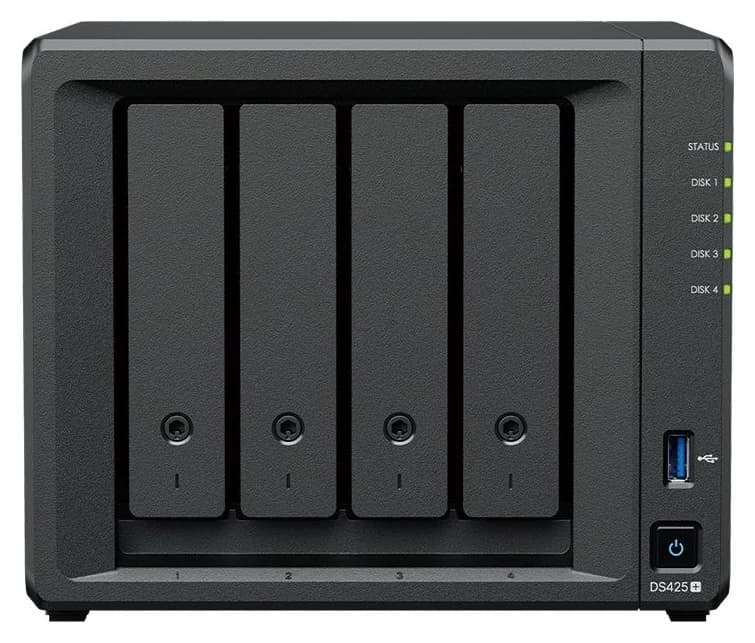
The four-bay TS-464 and DS425+ compared at equal disk capacity: memory, networking, Plex support, backup and recovery, plus a full drive order and disk-order checklist.
Comparison · NAS
Seagate IronWolf Pro 20TB vs WD Red Pro 20TB: Which NAS Drive Set?
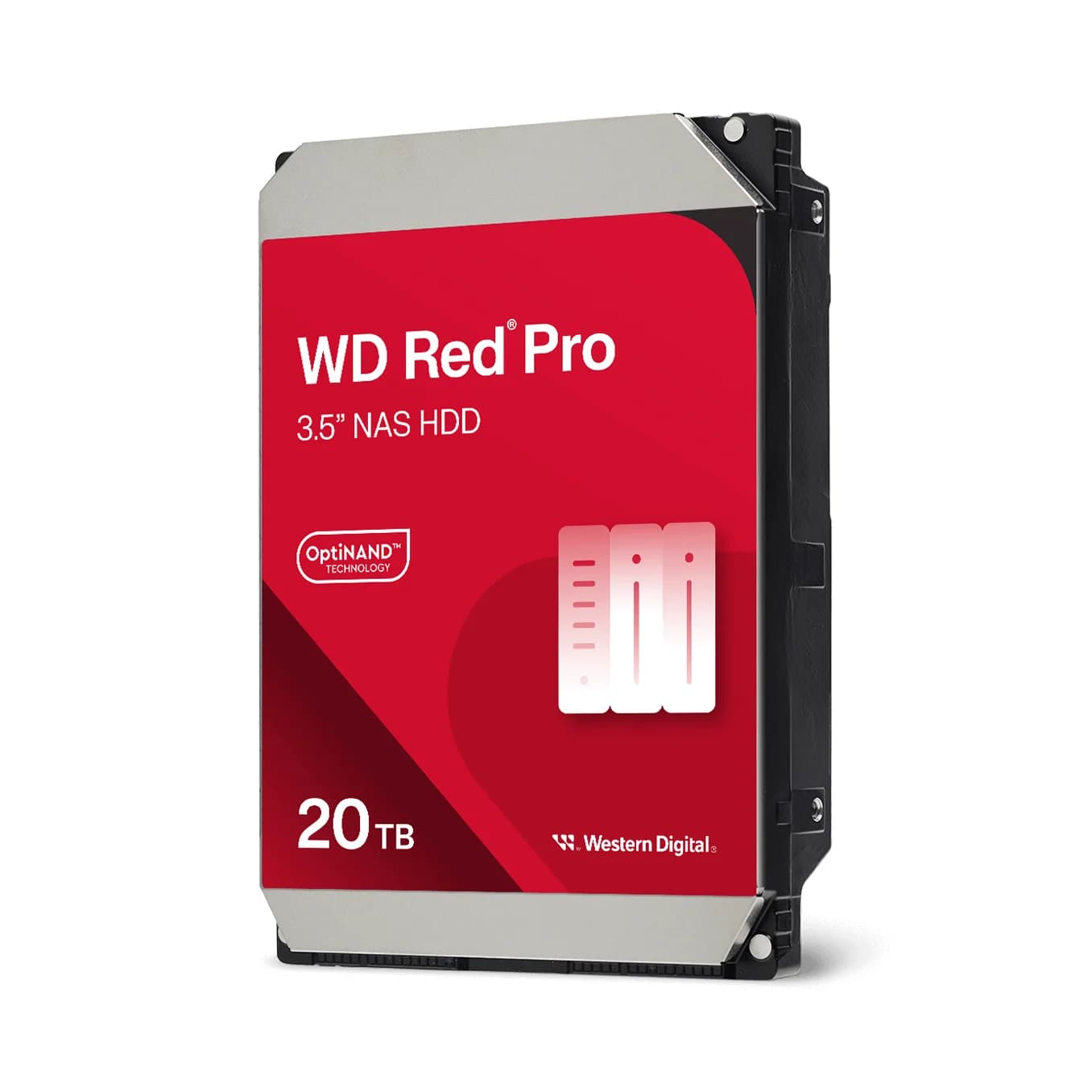
Compare ST20000NT001 and WD202KFGX on workload, cache, warranty and enclosure support, then plan usable capacity and an independent backup.
Comparison · NAS
UGREEN NASync DXP4800 Plus vs QNAP TS-464: Which Four-Bay NAS Should You Buy?
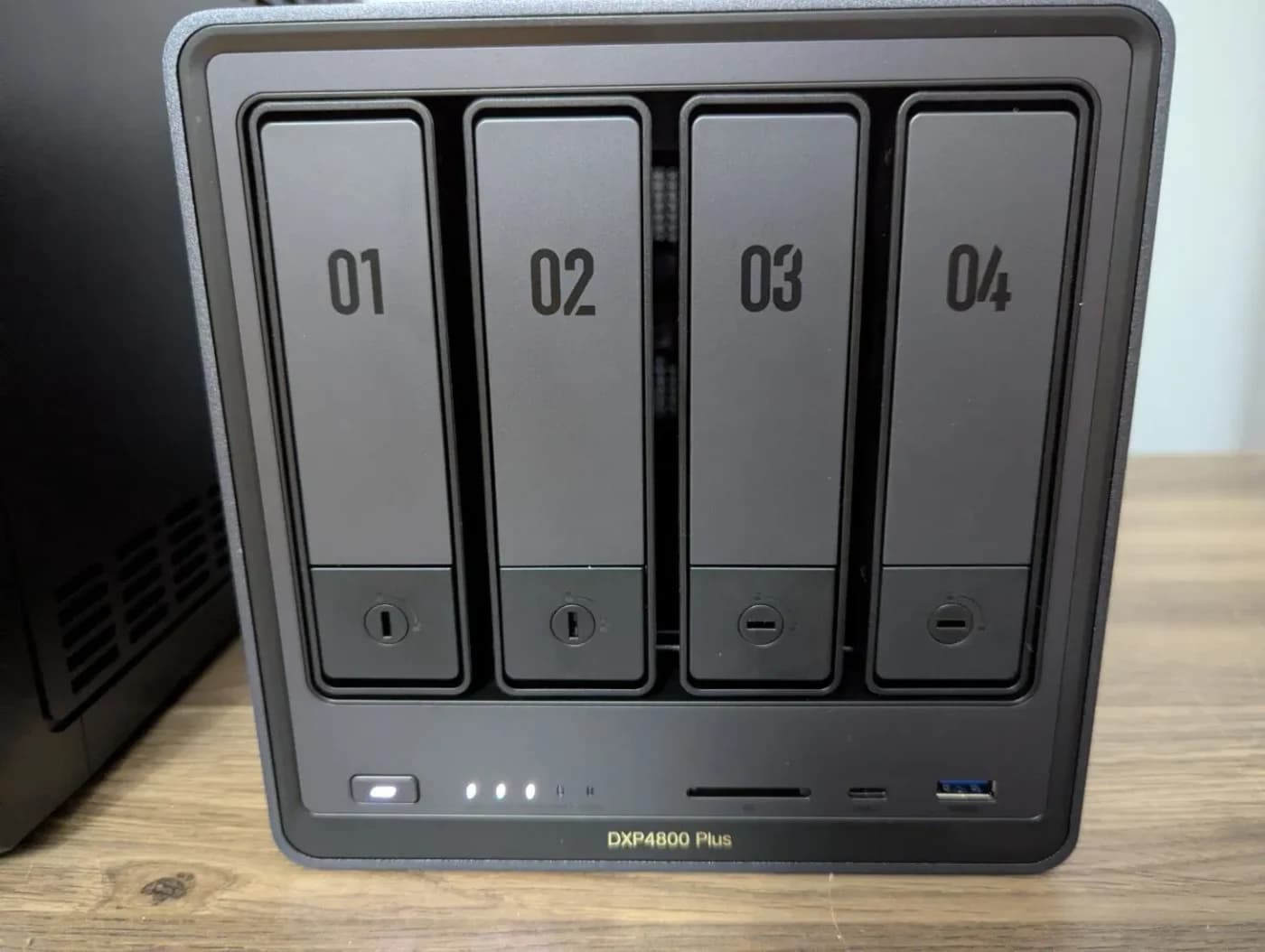
Compare the UGREEN DXP4800 Plus and QNAP TS-464 on ports, expansion, apps and complete drive orders, and pick the right four-bay NAS.